

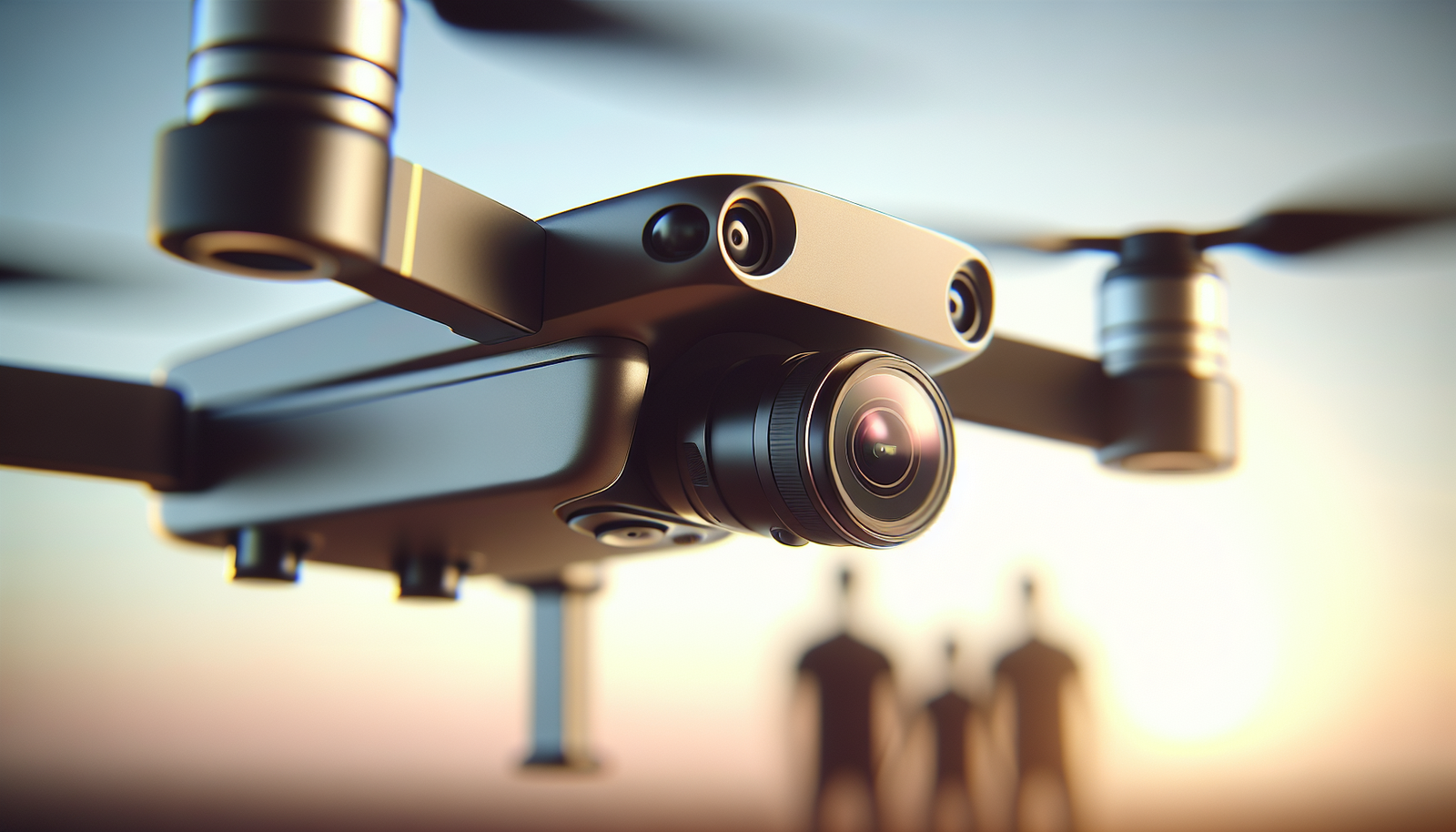
Do we ever think that one awkward family photo might become the best one if we change the camera angle?
Why we consider drone rental for family photos
We want our family photos to feel honest and alive. We often find that a ground-level shot flattens energy and shows people in a way that feels staged. A drone gives us a new angle. A new angle can make the group look playful, small, or part of a scene.
We rent a drone when we want that fresh view without buying one. Renting lets us test ideas, use a higher-end camera, and avoid storage and maintenance costs. Renting also keeps the experience short and focused. We get what we need for a shoot and return it when we finish.
How drones change awkward family photos
We use the drone to add space and movement to the image. From above, people look like parts of a pattern. That pattern can hide awkward poses. The drone can show relationships between people in a new way. It can make a stiff lineup feel like a scene.
We also use the drone to show the setting. Families often look more relaxed when they appear small in a larger place. The drone can make the family part of the place. That change often makes faces soften and smiles feel real.
Perspective and scale
We place the drone high to show scale. We fly low to show detail and faces. We change altitude to change the story. Low shots make faces clear. High shots make the scene clear.
We choose angle and height with purpose. We avoid random moves. We plan what story we want the photo to tell.
Motion and candid energy
We move the drone slowly to add motion. Family members often forget the drone exists. They return to ordinary gestures. The camera records those gestures. We capture candid moments more often than posed ones.
We also use the drone to track a walk or a run. Motion reveals relationships. Children running can create joy in the frame. Motion hides stiffness.
Group composition and pattern
We arrange people to form shapes. Circles and lines look natural from above. We guide people to sit, stand, or lie down to make shapes. The drone completes the pattern by showing the whole design.
We use props like blankets or picnic items to anchor the group. Props add color and structure. They also give hands something to do.
Renting vs buying: how we decide
We weigh cost, use, and learning time. Buying a drone makes sense if we will use it often. Renting makes sense for single events and experiments. Renting also lets us access better cameras for one shoot.
We prefer to rent when budgets are tight and needs are short. We reserve buying for heavy use. Renting reduces our risk. It also gives us short-term access to models we could not afford.
Cost comparison table
| Option | Upfront cost | Typical use case | Pros | Cons |
|---|---|---|---|---|
| Rent (one day) | $50–$200 | Single event | Low cost, high-end models available | Scheduling, possible damage fees |
| Rent (week) | $150–$500 | Vacation, multiple shoots | More time, lower daily rate | Return logistics |
| Buy (consumer) | $400–$1,500 | Regular hobby use | Always available, lower long-term cost | Maintenance, storage |
| Buy (prosumer/pro) | $1,800+ | Professional use | Best image quality, flight time | High cost, steep learning curve |
We look at these numbers and choose what fits our plans. If we know we will take many aerial photos over months, we lean to buy. If we need one family shoot, we rent.
How to choose a rental drone
We pick a drone for image quality, flight time, and ease of use. We check camera resolution and gimbal stability. We ask about included accessories. We want spare batteries, an extra memory card, and ND filters for bright days.
We also check the vendor policy on damage and insurance. We avoid surprises by asking clear questions. We ask for a demo and a short training session.
Drone model comparison table
| Model (example) | Camera | Flight time | Ease of use | Best for |
|---|---|---|---|---|
| Budge A (entry) | 12 MP, 1080p video | 20–25 min | Easy | Quick family shots |
| Mid M (prosumer) | 20 MP, 4K video | 30–35 min | Moderate | High-quality photos |
| Pro P (professional) | 24–48 MP, 4K/6K video | 30–40 min | Advanced | Studio-level images |
We avoid jargon when we ask vendors about these specs. We say, “How sharp will the photos look?” and “How long will the batteries last?” We test the drone outdoors if we can.
Legal and safety basics we follow
We follow local laws. We check flight restrictions, altitude limits, and no-fly zones. We file any required permits. We respect privacy laws for neighbors.
We keep the drone in sight. We avoid flying near airports and crowds. We check the weather before we fly. We cancel a flight when winds are too strong or rain approaches.
Liability and insurance
We ask the rental company about insurance. We ask what the insurance covers and what we must pay if we cause damage. We check whether our homeowner policy covers rental equipment. We consider buying short-term rental insurance if the vendor does not include it.
We also confirm whether we need a license to fly. Some places require a pilot certificate for commercial shoots. We ask the vendor to clarify the legal needs.
Preparing the family for the shoot
We set expectations before the shoot. We tell family members what to wear, where to meet, and how long the shoot will last. We ask them to bring water and a change of shoes for uneven ground.
We keep the plan simple. We give each person a clear role. We avoid over-directing. We let people move and act natural. We give short instructions, such as “stand in a line,” or “look at each other.” We avoid long speeches.
Clothing and color tips
We suggest colors that work well from above. We prefer solid colors and simple patterns. We avoid logos and bright neon. We suggest one or two accent colors for the group. We tell people to layer so they can adjust comfort quickly.
We also advise footwear that suits the location. Sandals on a rocky shore can slow the shoot. Clean shoes also look better in close aerial shots.
Location scouting and permission
We pick a location that fits the family mood. We choose a park, beach, open field, or large backyard. We avoid tight spaces. Drones need room to maneuver.
We check for trees, power lines, and buildings that could block the signal or create hazards. We get permission from property owners when needed. We call park managers or local authorities if required.
Time of day and light
We shoot near golden hour when possible. The light at sunrise and sunset softens faces. Midday sun creates harsh shadows. We use ND filters to balance bright skies and skin tones.
We watch for reflective surfaces. Water, glass, and metal can cause glare. We position the drone and the family to minimize glare.
Shot types that fix awkwardness
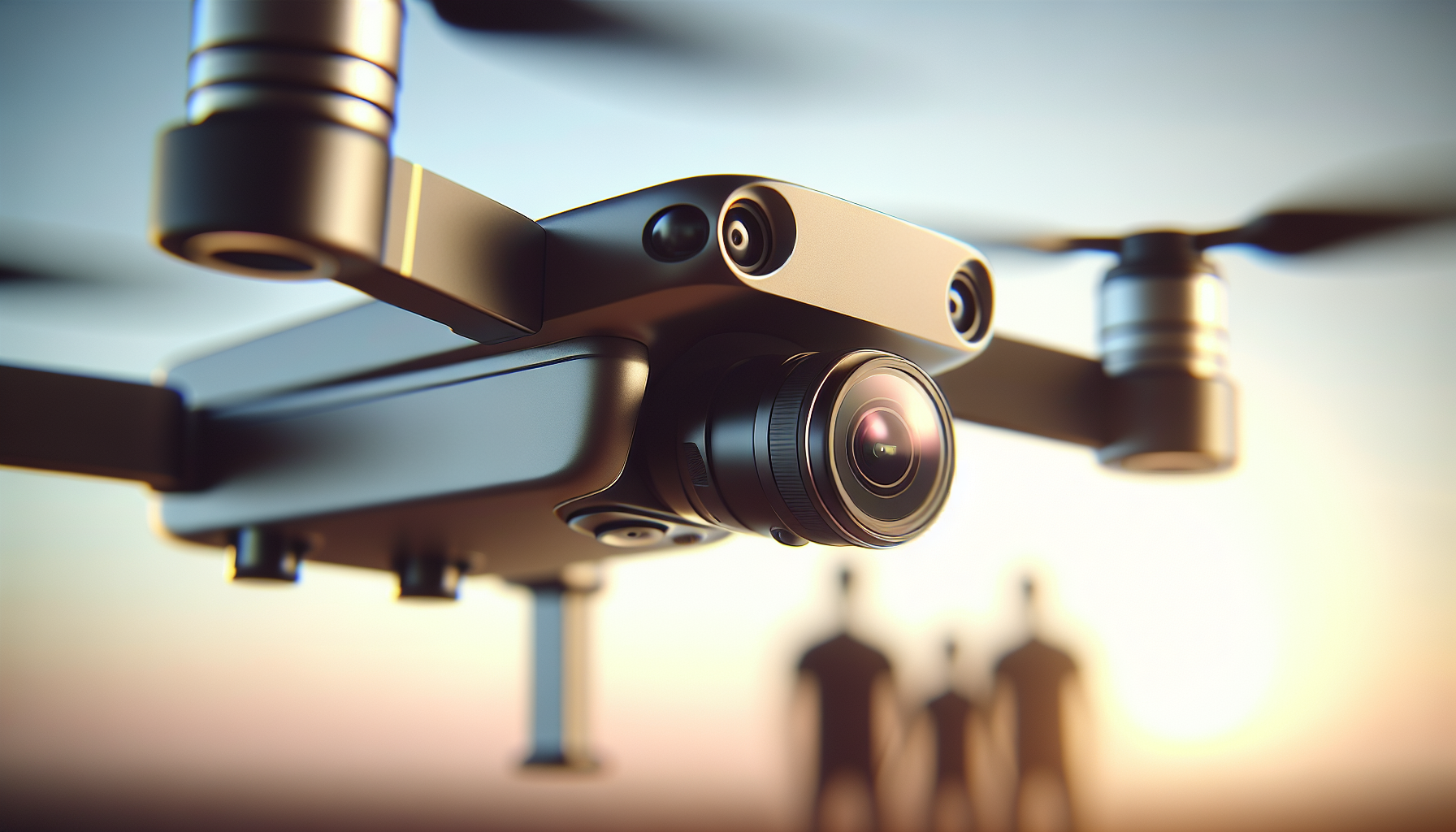
We plan a mix of shots that hide stiffness and show connection. Each shot has a purpose. We list and prepare them ahead of time.
Overhead circle shot
We have the family form a circle and look up. The circle hides awkward stands and creates unity. It also makes faces visible and close.
We ask one person to hold a bright prop or blanket center. We use the prop as an anchor for the composition.
Bird’s-eye portrait
We fly the drone low and focus on faces. We ask people to sit or lie down. Lying down relaxes shoulders and helps smiles look real.
We use a wide lens and crop in post if we need a tighter shot. We keep the drone still for these portraits.
Walking sequence
We have the family walk together while the drone follows from above or behind. Motion creates natural expressions and interactions. We keep pace slow.
We repeat the walk several times. We ask people to talk to each other while they walk. We record candid laughs and glances.
Framed group with environment
We place the group near a path, tree, or shoreline. The drone shows the environment as framing. The scene tells a story. People look smaller. This scale reduces the pressure to pose.
We use wide shots and then move closer for detail.
How we manage awkward relatives
We ease pressure on the shy ones. We start with small tasks. We give simple instructions and praise. We make the shoot short for them.
We use children as focal points to loosen adults. When kids move freely, adults relax with them. We ask the shy person to hold a child or a prop. We show them images quickly so they see how natural they look.
We keep humor light. We avoid forcing smiles. We let silence happen when it helps.
On-site workflow we follow
We arrive early to set up. We check the drone, batteries, and controls. We assign a family helper to guide the group. We run a short test flight with a helper walking below so we confirm the signal and shot framing.
We work in small blocks. We take 10–15 minute sets and then rest. We plan for battery swaps. We download images during breaks to free memory cards and check results.
Sample shoot schedule
| Time | Task |
|---|---|
| 0:00–0:15 | Setup, test flight, brief family |
| 0:15–0:30 | Overhead circle and close lies |
| 0:30–0:45 | Walking sequences and candid shots |
| 0:45–1:00 | Environment-wide shots and props |
| 1:00–1:15 | Follow-up portraits and family favorites |
| 1:15–1:30 | Wrap, powered down, debrief |
We stick to the schedule but remain flexible. We accept that a surprise moment may lead to extra shots.
Technical tips for better results
We set the camera to the highest image quality. We shoot RAW if the drone supports it. RAW gives us control in editing.
We set a consistent white balance. We use ND filters in bright light. We aim to keep the drone stable. We use slower gimbal speeds for smoother motion.
We also monitor signal strength. We stay within range and keep a clear line of sight. We check GPS lock before a takeoff.
Battery and storage management
We bring at least two batteries per hour of flight. We rotate batteries so a charged one is always ready. We carry a charger and an extra power source if possible.
We bring multiple memory cards. We back up images to a laptop or a portable drive during long shoots. We label cards to avoid mixing files.
Editing and post-processing
We review images with the family. We select images that show real interaction. We prioritize emotion over perfect poses.
We edit for color and exposure first. We crop to refine composition. We remove small distractions with simple retouching. We keep edits natural.
We create a short gallery for family viewing. We give options for prints and digital sizes. We prepare a few square and wide crops for social media.
File workflow table
| Step | Action |
|---|---|
| Import | Copy files to two locations |
| Cull | Mark the best images |
| Raw edit | Adjust exposure, color, and noise |
| Crop/retouch | Refine composition and remove distractions |
| Export | Create web and print versions |
| Deliver | Share online gallery or print order |
We keep file names clear. We use dates and nicknames to help the family find images later.
Creative shot ideas that fix awkward poses
We try simple games and prompts during the shoot. Games loosen bodies. They bring natural smiles and movement.
- Ask everyone to whisper a secret to the person on their left.
- Have the group walk toward the camera and then look at each other.
- Tell a quick story to make someone laugh on cue.
- Use a pet as the center of attention.
- Ask the family to create a human pyramid or stack, if safe.
We take the shot when laughter peaks. We watch faces and push the shutter when the moment feels honest.
Pros and cons of DIY drone operation vs hiring a pro
We weigh control against skill. If we pilot the drone ourselves, we save money and learn a new skill. If we hire a pro, we gain experience and pattern knowledge they already have.
We list pros and cons.
| Choice | Pros | Cons |
|---|---|---|
| DIY rental and fly | Lower cost, control, learning | Greater risk, learning curve |
| Hire certified operator | Better quality, safer, legal knowledge | Higher cost, less control on site |
We often choose a hybrid. We rent the drone and ask the vendor for a short training. Or we hire a pilot for the flight and handle planning and props.
Common problems and how we fix them
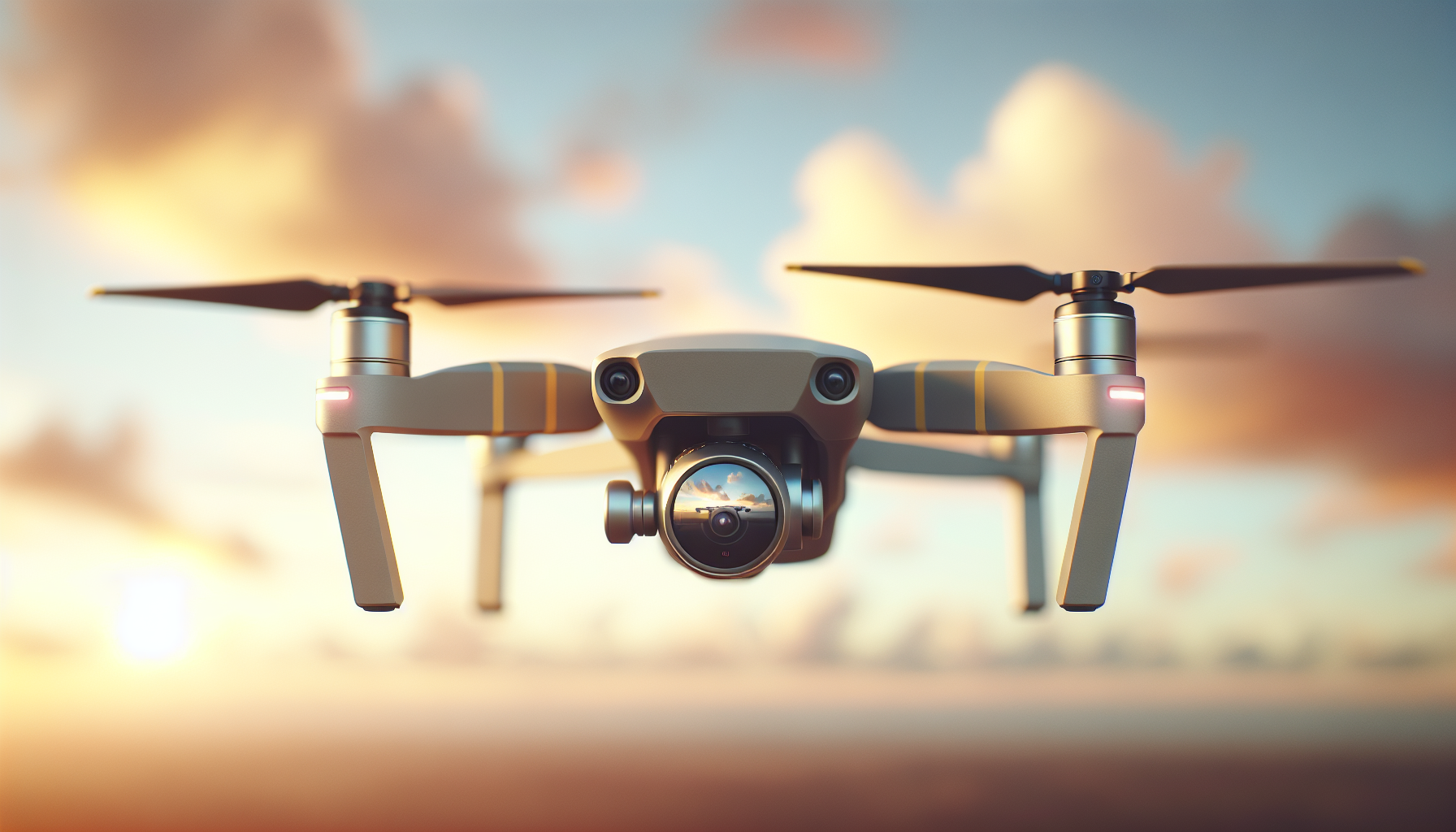
We face wind and signal loss most often. We abort flights in strong wind. We keep a safe landing plan.
We handle glare by changing angle or using a polarizer on the camera if possible. If a family member moves too fast, we switch to burst mode or video stills.
We fix composition problems by stepping back, changing height, or rearranging people. We do not force a single pose. We take multiple tries.
Privacy and neighborhood etiquette
We notify nearby homes if we will fly near them. We choose wide-open public areas when possible. We respect private property signs and posted rules.
We do not record neighbors without permission. We avoid capturing private conversations. We keep the drone over our subject and the surrounding area we have permission to photograph.
How we sell or share the final images
We prepare a simple gallery link for the family. We offer print and digital options. We provide a few square and wide formats for social platforms.
We deliver high-resolution files for prints and lower-resolution files for web. We include a short guide on how to print to keep colors accurate.
We also offer a small album layout for those who want a quick printed book. That option often appeals to older family members.
Costs to expect and how to budget
We set a clear budget early. We include rental fees, insurance, permit costs, and any operator fees. We add editing time and printing to our list.
Typical line items:
- Drone rental: hourly or daily rate.
- Operator fee: if hiring a pilot.
- Insurance or deposit: refundable or non-refundable.
- Permits: local park or coastal permits.
- Time: travel, setup, and editing time.
We present a simple budget to the family so they understand the full cost.
How family albums look different with drone images
We include wide environmental shots to begin the album. We then move to close portraits and candid moments. The drone shots become the opening and closing pages in many albums.
We use wide aerials as spreads. These images add context and balance to close shots. They make the album feel more like a story.
Case examples: how awkward photos changed
We remember a shoot where teenagers stood with stiff arms and forced smiles. We moved the drone high above a picnic blanket, told them to lie down in a spiral, and asked them to pull a funny face at a cue. They laughed and the image looked warm and real.
We recall a family on rocky cliffs who fought with shadows. We used the drone to move back and show the ocean. The distance removed the pressure to pose. The resulting photos felt calm and honest.
We share these examples to show that small changes in angle change the mood.
Accessibility and special needs
We plan for family members with limited mobility. We choose flat, reachable locations. We avoid steep hills and hard-to-reach spots.
We use the drone to capture people who prefer not to move. We place them near the center and build the shot around them. The drone reduces the need for many people to move or climb.
We also use voice prompts and short, clear instructions. We keep shoots shorter when needed.
Final checklist before the shoot
| Item | Yes/No |
|---|---|
| Batteries charged | |
| Memory cards formatted | |
| Permits and insurance checked | |
| Weather forecast clear | |
| Family briefed on plan | |
| Props and clothing organized | |
| Backup charger and cables | |
| First aid kit on site |
We use this list each time. We check items aloud with a helper. We keep the process smooth and calm.
Ethical considerations we follow
We ask permission to photograph children who are not family. We respect “no photos” requests. We avoid publishing images of people who do not consent.
We also credit the operator or vendor when appropriate. We state where images came from when we publish them. We keep communication clear about usage rights.
Tips for better group chemistry during a shoot
We start with a simple warm-up. We play music the family likes. We ask people to tell a quick memory or a joke. We keep the mood light and patient.
We encourage small touches like holding hands or leaning in. These gestures look real from above. We ask the family to interact more than pose.
We give compliments and small notes of praise. Photos improve when people feel seen.
Common mistakes and how we prevent them
We avoid flying too high for portraits. High altitude can lose facial detail. We avoid flying too low in tight groups to prevent accidents.
We avoid long monologues when directing. Short commands work better. We avoid over-editing. Heavily edited images lose authenticity.
We review photos during the shoot to correct issues quickly.
Long-term uses of drone family photos
We use aerial images for prints, wall art, holiday cards, and family books. We also use them for timelines: compare photos of the same place over years.
We store master files carefully. We tag images with names and dates. That practice makes archiving simple.
Final thoughts
We find that drones often turn awkward photos into honest ones. The new angle reduces pressure. The family relaxes when they appear part of a scene. The drone gives us motion, scale, and pattern that hide stiffness and highlight connection.
We plan, we check rules, and we keep the shoot simple. We test the drone, we bring spare batteries, and we keep instructions short. We let people be themselves more than we ask them to pose. That combination leads to images that the family loves.
We think one awkward pose can become a memorable picture when we change only one thing: the angle.