

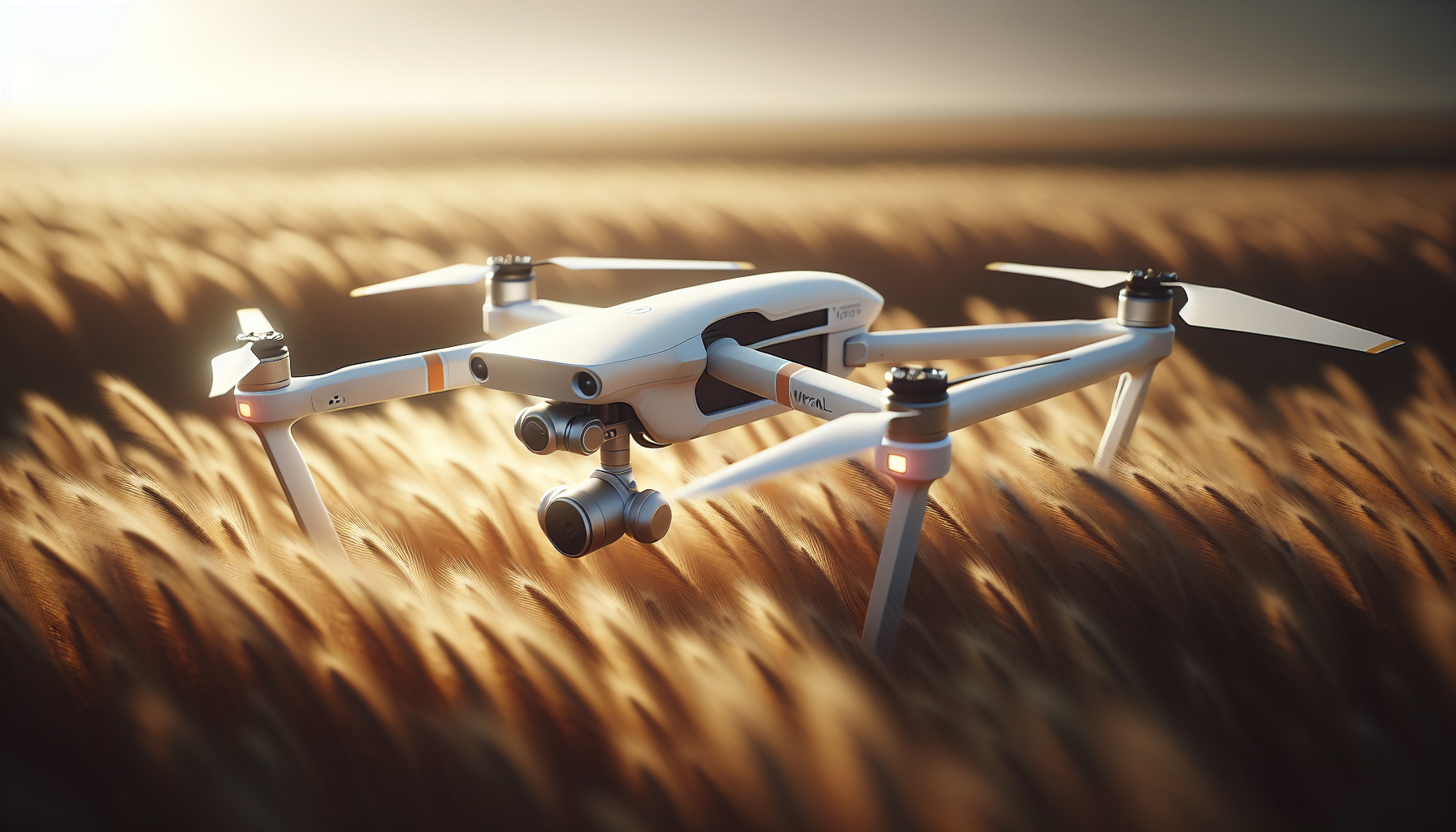
Are we ready to learn how to use the Wingtra RAY safely and efficiently?

Wingtra Manual
We present a clear guide for Wingtra RAY operation. We focus on practical steps, safety, and data workflow to help you deliver survey-grade results.
Overview
We describe what the Wingtra RAY does and why it fits survey teams. The drone combines vertical takeoff and landing with efficient winged cruise to cover large areas quickly.
What the Wingtra RAY delivers
We capture large areas in short time windows. We produce CAD-ready files fast and reduce rework by getting the right data on the first flight.
Core benefits at a glance
We complete 100 ha (250 ac) surveys in about 10 minutes. We fly 40% faster than the previous generation and 10x faster than multicopters for similar coverage.
Key capabilities
We carry six swappable sensors to match many tasks. We set up in five minutes and swap a sensor or battery in seconds without tools.
Main use cases
We map agricultural fields, perform infrastructure inspections, and run LIDAR surveys with high throughput. We deliver orthomosaics, DEMs, point clouds, and inspection imagery for engineering and survey teams.
Specifications
We list key hardware and flight specs to set expectations. The table below summarizes the main performance numbers.
| Specification | Value |
|---|---|
| Camera | 61 MP full-frame (primary payload) |
| Flight time | Up to 59 minutes |
| Survey speed | Survey 100 ha in 10 minutes (typical) |
| Wind resistance | Up to 27 mph |
| Navigation | GPS + GLONASS |
| PPK | Included PPK module for survey-grade accuracy |
| Safety certification | FAA Category 3 OOP certified (where applicable) |
| Sensors | Six swappable payloads (RGB, LIDAR, multispectral, thermal, zoom/inspection, others) |
| Warranty | 12 months limited warranty; extended options available |
Sensors and payloads
We describe the main sensor options and their strengths. We choose sensors based on the deliverables you need.
61 MP full-frame RGB camera
We capture very high detail with the 61 MP sensor. We reduce overlap needs and lower the number of flights while keeping high resolution.
LIDAR payload
We capture dense point clouds for 3D modeling and vegetation penetration. We use LIDAR when terrain detail or canopy penetration matters.
Multispectral sensor
We capture crop indices and spectral bands for agronomy and vegetation analysis. We choose multispectral when we need NDVI and similar outputs.
Thermal and inspection sensors
We detect heat anomalies and inspect infrastructure where temperature matters. We select thermal for maintenance surveys and leak detection.
Zoom and high-accuracy inspection sensors
We capture detailed images for mm-level inspection tasks. We choose zoom or telephoto sensors for towers, facades, and assets.
Flight performance and coverage
We explain how the platform achieves fast coverage and reliable data.
Adaptive speed and coverage
We automatically adjust speed to match desired resolution and coverage. We increase ground coverage when mission specs allow and slow down when we need higher GSD.
Efficiency vs. other platforms
We perform missions 10x faster than multicopters and 30x faster than terrestrial methods for equivalent area coverage. We lower operational time while maintaining survey-grade outputs.
Setup and pre-flight
We provide simple steps to get airborne quickly. We keep the checklist short and robust to reduce errors.
Unpacking and powering on
We unpack the drone and accessories. We power on the aircraft and the tablet and confirm battery charge levels.
Interactive checklist and no calibration
We follow the interactive checklist in the tablet. We do not perform sensor calibration before launch in most cases.
Quick sensor and battery swaps
We remove and install sensors and batteries by hand. We avoid tools and cables for swaps, which saves time on site.
Pre-flight checklist (concise)
We use a short, reliable checklist before every flight. We repeat these checks until they become habit.
- We verify battery charge and connectors.
- We confirm sensor mounting and lens cleanliness.
- We check tablet telemetry and signal strength.
- We confirm mission plan and flight area boundaries.
- We confirm parachute status if installed.
- We ensure the weather is within operational limits.
Mission planning and execution
We break mission planning into clear actions. We keep the plan simple and repeatable.
Defining the survey area
We draw or import the polygon for the survey area. We set flight altitudes and overlap according to the sensor and final deliverable.
Setting camera and overlap
We select the camera and set overlap to match required accuracy. We lower overlap for the 61 MP camera when map resolution or overlapping area allows.
Using adaptive speed
We enable adaptive speed to balance resolution and coverage. We monitor the estimated flight time and battery consumption.
Launch and monitoring
We start the mission from the tablet checklist. We watch telemetry and keep situational awareness during the flight.
Safety systems and operational reliability
We explain the multiple safety layers on the Wingtra RAY. We design each system to protect people and data.
Parachute system
We install the parachute add-on for safer flights over people and roads. We deploy the parachute manually or let it auto-deploy during critical failures.
Obstacle avoidance
We detect static obstacles during cruise flight. We stop collisions with cranes, towers, and trees up to 100 meters ahead.
Backup battery design
We include a backup battery architecture that allows return-to-home even if one battery fails. We reduce mission aborts and mid-air risk.
Dual telemetry and LTE
We maintain connection with the drone via radio telemetry. If the radio link drops, onboard LTE takes over instantly so we keep control and awareness.
Airspace awareness
We connect to live airspace data over cellular networks. We identify nearby aircraft and avoid conflicts.
Legal and operational considerations
We give practical notes for legal compliance and safe operation. We remind teams to check local rules.
Certification and waivers
We note that the platform meets FAA Category 3 OOP certification in the stated regions. We recommend that teams verify local permissions and file waivers when needed.
Parachute and approvals
We state that adding a parachute may help obtain approvals for flights over populated areas. We advise teams to confirm regulatory acceptance of parachute systems in their jurisdiction.
BVLOS readiness
We state that dual telemetry and LTE readiness support BVLOS workflows. We advise teams to follow local BVLOS procedures and approvals for remote operations.
Data capture best practices
We give clear actions to improve data quality on the first pass. We favor simple rules that yield reliable outputs.
- We inspect and clean lenses before each mission.
- We plan flights at times with stable light to avoid strong shadows.
- We use PPK to improve geolocation accuracy.
- We verify ground control point placement if required for final deliverables.
- We keep overlap and flight altitude consistent across missions.
PPK workflow and accuracy
We explain the PPK process in simple terms. We focus on steps that teams perform in the field and in post-processing.
Field steps for PPK
We place a base station or use a known reference. We record base station logs and start the drone session.
Post-processing steps
We transfer raw GNSS logs and imagery to processing software. We apply PPK corrections to produce survey-grade positions for images.
Deliverable accuracy
We create deliverables that meet survey-grade requirements when we combine PPK with good mission design and ground control. We deliver accurate orthomosaics, DEMs, and point clouds.
Data workflow: from field to final files
We describe a seamless workflow that reduces manual steps. We aim to get CAD-ready products on the same day.
Data transfer and storage
We download imagery and GNSS logs to the tablet or laptop. We backup raw data immediately to avoid loss.
Processing steps
We import images and PPK metadata into processing software. We run alignment, generate orthomosaic and point cloud, and export deliverables in CAD-ready formats.
Single workflow benefits
We avoid file conversions and app switching where possible. We keep the file chain consistent from capture to delivery.
Processing outputs and deliverables
We list the common outputs customers expect. We explain where these outputs fit into project workflows.
- Orthomosaic for mapping and inspection.
- Digital Surface Model (DSM) and Digital Terrain Model (DTM) for earthworks.
- 3D point cloud for design and modeling.
- Inspection images with precise geolocation for defects and measurements.
- Crop indices from multispectral data for agronomy.
Software and apps
We use Wingtra-supplied apps and supported third-party tools. We process imagery with standard photogrammetry or LIDAR software as needed.
Tablet and app bundle
We include a tablet that runs the mission planning and flight software. We update apps through the vendor portal to keep firmware and flight logic current.
Third-party processing
We export standard image sets and metadata for processing in popular photogrammetry software. We use PPK-corrected coordinates to improve tie-in and reduce the need for dense ground control.
Maintenance and care
We give clear rules for hardware care. We schedule routine checks and simple parts replacement.
Battery care
We charge batteries with the supplied charger and monitor temperatures. We store batteries at recommended charge levels for long-term storage.
Sensor and lens care
We clean lenses with a microfiber cloth and lens cleaning solution. We avoid touching the sensor surface directly.
Airframe and parachute inspection
We inspect the airframe before flights for cracks or damage. We inspect parachute housing and pins and confirm proper arming.
Firmware and software updates
We install firmware and app updates regularly. We follow vendor release notes to stay compatible with processing tools.
Swapping sensors and batteries
We present step-by-step actions that keep operations fast and safe. We emphasize correct seating and connection checks.
Swapping sensors
We power off the system before swapping sensors. We remove the old sensor, align the new sensor, click it in place, and confirm the tablet shows the new payload.
Swapping batteries
We power down and remove the depleted battery. We insert the charged battery, confirm battery status on the tablet, and repeat for the second battery when needed.
Troubleshooting common issues
We list common issues and simple fixes you can apply on-site. We keep steps compact to get you back to work fast.
Loss of radio link
We check radio antenna position and tablet telemetry. If the link remains down, LTE will take over and we can continue monitoring through the cellular link.
Parachute error or arming fault
We inspect the parachute pins and connectors. We re-arm according to the checklist and test status on the tablet.
GNSS or PPK errors
We confirm base station logs and time sync. We re-start the GNSS module and re-check satellite reception before retrying PPK processing.
Poor image quality
We check lens cleanliness and camera exposure settings. We repeat the flight if necessary, adjusting altitude or overlap.
Warranty, support, and services
We summarize the warranty and available support. We list contact points and how to extend coverage.
Standard warranty
We include a 12-month limited warranty with the product. We refer to the vendor warranty terms for coverage details.
Extended and service options
We point out the extended second-year warranty option available online. We recommend extended support for heavy operational use.
Software updates and third-tier support
We include three years of software updates and third-tier support in the bundle. We contact support for complex technical issues.
What’s in the box
We show the standard contents to make sure teams receive all parts. We include the main hardware and essential accessories.
| Item | Quantity |
|---|---|
| Wingtra RAY Mapping Drone | 1 |
| Tablet TabActive 3 | 1 |
| Telemetry Module (2.4 GHz) | 1 |
| Flight Batteries | 2 |
| Flight Battery Charger with Dock | 1 |
| Battery Charger Cable | 1 |
| T10 Torx Screwdriver | 1 |
| USB-C / SD Adapter | 1 |
| Hardcase | 1 |
| PPK Module | 1 |
| Operating System and Essential Apps | Included |
| Software Updates and Third Tier Support | 3 years |
| Wingtra 1 Year Limited Warranty | Included |
Flight planning checklist (compact)
We provide a short mission checklist you can use before every flight. We keep each item actionable.
- We check batteries and chargers.
- We confirm sensor and lens condition.
- We verify GNSS and PPK base station.
- We update flight software and check firmware.
- We set the mission polygon, altitude, and overlap.
- We confirm parachute and arming status.
- We confirm weather and wind limits.
- We verify NOTAMs and local permissions as required.
Best practices for efficient surveys
We offer tips that reduce time and increase data quality. We focus on repeatable rules.
- We standardize mission templates for each project type.
- We set consistent camera settings for comparable outputs.
- We rotate batteries and track cycles to plan maintenance.
- We log mission metadata for traceability and QA.
- We run a rapid QA on-site and repeat captures if issues appear.
Field data management
We show the steps to secure data right after flight. We stress redundancy and clear labeling.
- We copy images and logs to at least two storage devices.
- We label folders with project name, date, and mission ID.
- We record any anomalies in the mission log for later review.
- We upload critical data to cloud storage if field connectivity allows.
Common mission planning parameters
We list typical parameter ranges for common deliverables. We provide starting points for GSD and overlap.
| Deliverable | Altitude (approx.) | Front Overlap | Side Overlap |
|---|---|---|---|
| High-detail inspection (mm) | Low altitude by mission needs | 80% | 70% |
| Mapping / orthomosaic | Medium altitude per GSD | 70% | 60% |
| LIDAR topography | Variable by sensor | N/A | N/A |
| Agricultural multispectral | Medium altitude per sensor | 70% | 60% |
We remind teams to run test flights to fine-tune settings for their site and payload.
Frequently asked questions
We answer the questions teams ask most often. We keep each answer short and actionable.
Q: How long does it take to set up on site?
A: We set up and launch in under five minutes for a standard mission when batteries and sensors are ready.
Q: Do we need ground control points?
A: We often achieve survey-grade results with PPK only. We use ground control points when project specs require absolute tie-ins.
Q: How fast can we swap sensors?
A: We swap sensors and batteries in seconds. We avoid tools and cables for swaps.
Q: What happens if a battery fails mid-flight?
A: The backup battery design allows the aircraft to return home safely if one battery fails.
Q: Can we fly over populated areas?
A: We can fly over roads and populated zones when we deploy the parachute and comply with local regulations and approvals.
Troubleshooting checklist for data processing
We provide steps to handle common processing issues. We keep steps actionable.
- We confirm PPK files exist and match image timestamps.
- We check coordinate reference systems before export.
- We confirm that images have consistent exposure and overlap.
- We review processing logs for tie point errors and re-run alignment with adjusted parameters if needed.
Field training and team roles
We recommend a simple team structure and roles. We keep the training focus practical.
- Pilot in command: We run mission planning and safety checks.
- Sensor operator: We verify payload and settings.
- Data manager: We handle downloads and backups.
- Site lead: We manage permissions and ground calls.
We train teams using guided missions and short practice flights before operational work.
Troubleshooting hardware alerts
We list common hardware alerts and immediate steps. We aim to resolve simple issues on-site.
- Low battery alert: We land or switch to return-to-home to preserve safety.
- Parachute fault: We stop and inspect the parachute system before flight.
- Sensor communication error: We power cycle the sensor and confirm connection on the tablet.
- Firmware mismatch: We halt operations and update firmware to match the tablet app.
Project handoff and deliverables checklist
We describe what to include when we hand off project files to clients. We keep the list clear and consistent.
- Orthomosaic in GeoTIFF and common image formats.
- DSM and DTM in standard raster formats.
- Point cloud in LAS/LAZ or other client-preferred formats.
- Camera calibration and PPK metadata files.
- Mission logs and flight reports.
We include short QA notes and any anomalies recorded during flights.
Safety culture and incident response
We explain how to handle incidents and near misses. We encourage reporting and learning.
- We document incidents and near misses immediately.
- We identify root causes and update procedures.
- We share lessons learned with the team to prevent repeats.
- We keep emergency contact and escalation plans accessible on-site.
Conclusion
We summarize the practical value of the Wingtra RAY in survey operations. We state that the platform helps teams collect accurate data fast and return usable deliverables the same day.
We encourage teams to follow the checklists, maintain equipment, and train regularly. We find consistent procedures and careful data handling produce reliable results and reduce rework.