

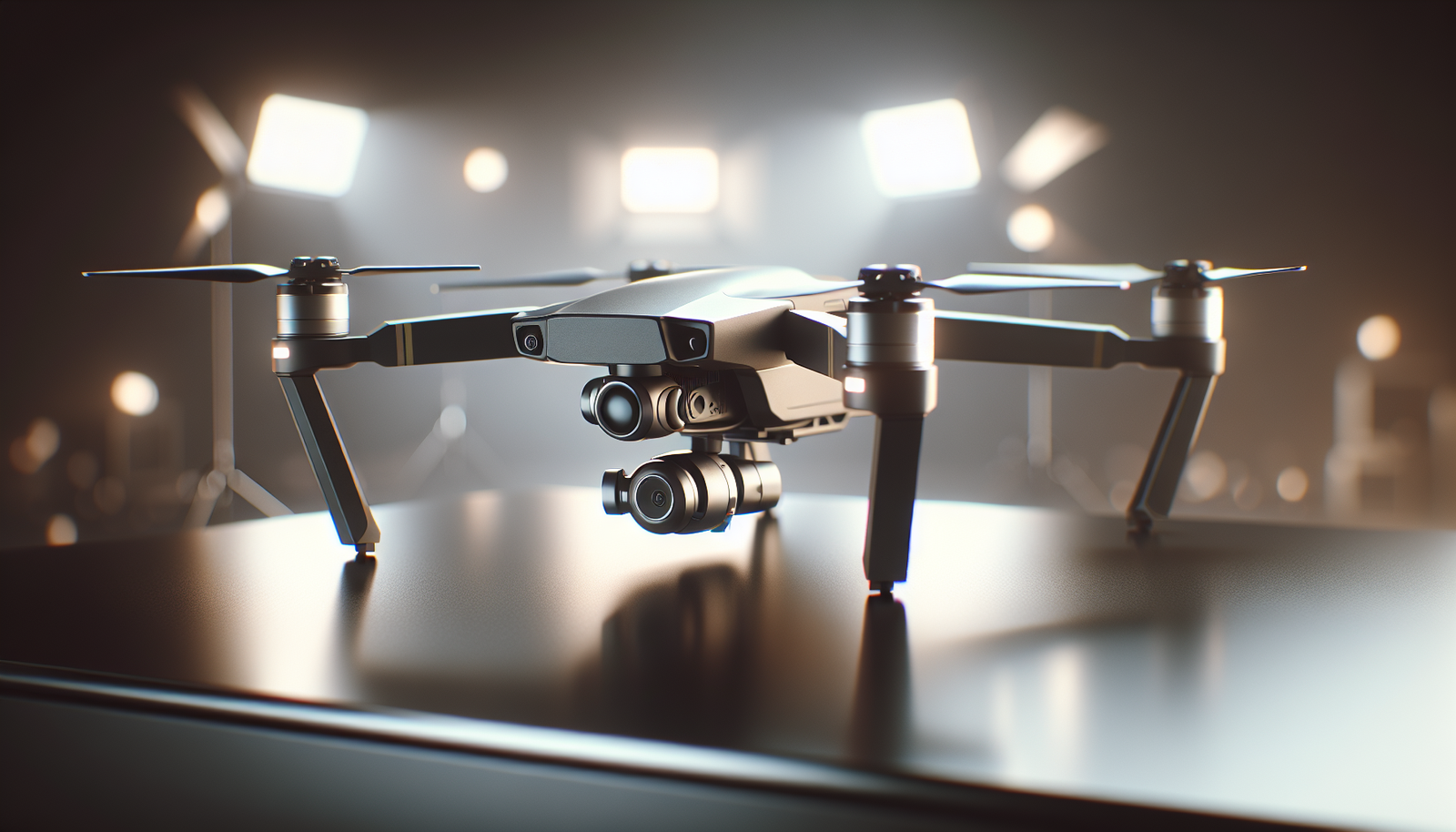
?Have we ever watched a drone glide over a field and wondered how the pilot learned to fly so well?
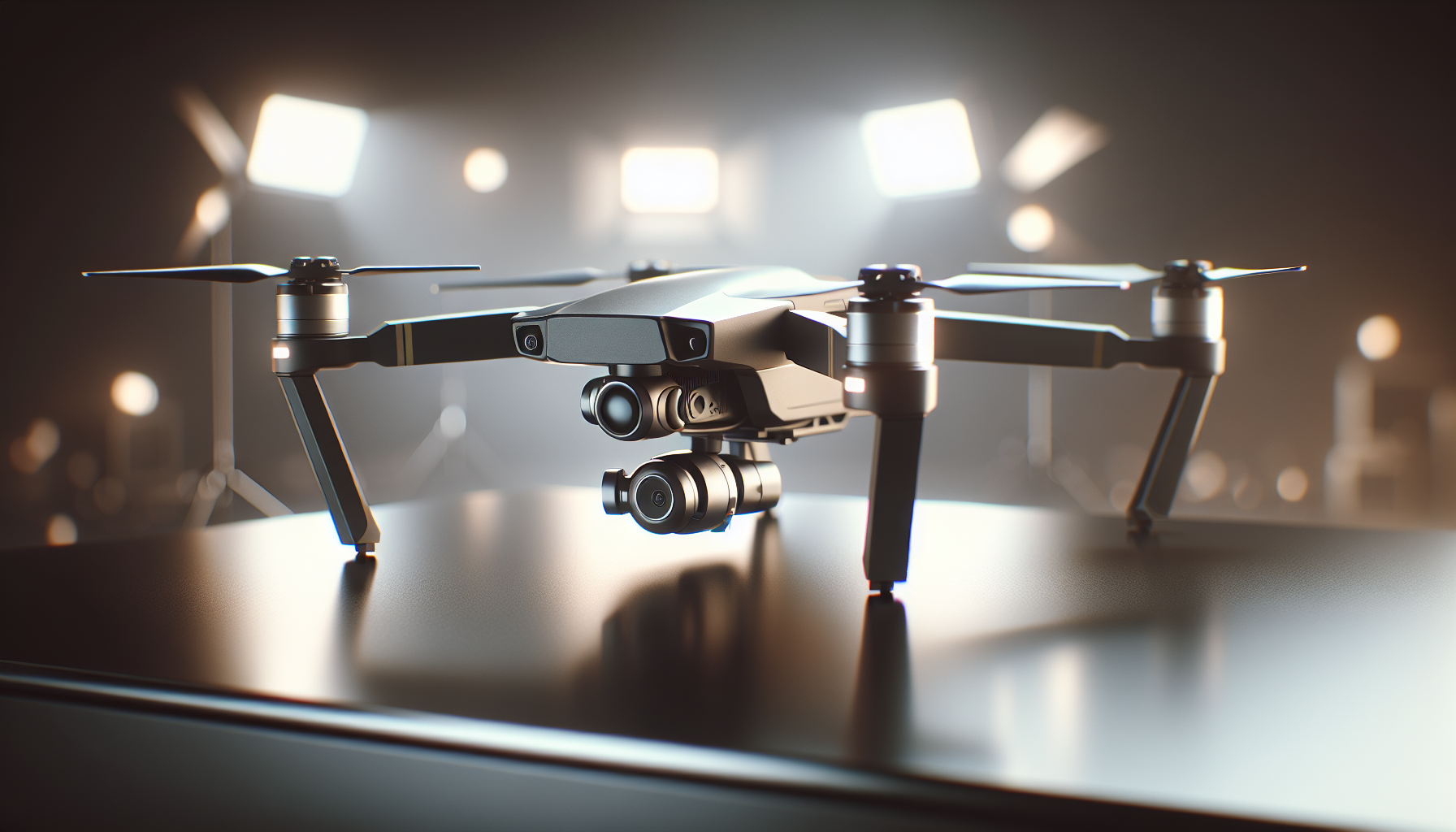
Drone flight simulators train pilots
We write about how simulators help pilots gain skill. We keep our language clear and simple. We aim to make the topic easy to read and useful. We keep each sentence direct and plain.
Why we use simulators
We use simulators to teach pilots without risk. We reduce cost and reduce damage to equipment. We let pilots practice more hours than they could with real drones. We repeat tasks until pilots reach consistent performance.
What a drone flight simulator is
We define a simulator as software and hardware that mimic a drone. We run the simulator on a computer or a dedicated device. We connect a controller or a keyboard and mouse to the system. We display flight visuals on a monitor or in a headset.
Who benefits from simulators
We see benefit for hobbyists, students, commercial pilots, and researchers. We train new pilots to master basic flight controls. We let experienced pilots practice advanced maneuvers. We let engineers test control software before real flights.
Types of drone flight simulators
We divide simulators into several types. We list the main types below.
Desktop simulators
We install desktop simulators on regular computers. They run with a keyboard, mouse, or a game controller. They simulate basic flight physics and controls. They serve well for early training and familiarization.
Professional simulators
We describe professional simulators as systems that use advanced hardware and software. They use physical controllers that match real drone radios. They include accurate flight models and sensor simulations. They suit training centers and companies that need reliable practice.
Virtual reality (VR) simulators
We use VR simulators to place pilots inside a virtual cockpit. They show a more immersive view than monitors. They help pilots learn spatial awareness and depth perception. They require VR headsets and often stronger hardware.
Motion-based simulators
We explain that motion platforms move to match virtual flight. They provide physical cues for pitch, roll, and yaw. They help pilots feel acceleration and tilting forces. They cost more but increase realism.
Cloud-based simulators
We note cloud simulators run on remote servers. They stream graphics and physics to a user device. They let many pilots train from different locations. They reduce local hardware requirements.
Mobile simulators
We point out mobile simulators run on phones and tablets. They allow practice on the go. They often use simplified controls and reduced physics detail. They help pilots who need casual or quick practice.
Core simulator components
We list core parts of a simulator. We explain each part in simple terms.
Flight physics engine
We say the physics engine calculates motion and forces. It models lift, drag, thrust, and gravity. It updates drone position and attitude each frame. It determines how the virtual drone responds to inputs.
Environment model
We state the environment model defines wind, terrain, and obstacles. It creates weather effects and lighting. It adds buildings, trees, and power lines. It sets the stage for realistic tasks.
Sensor simulation
We explain sensors mimic GPS, inertial sensors, cameras, and LiDAR. They produce data for autopilot and for pilot view. They allow testing of perception and navigation systems. They help pilots learn to read instruments.
Control interface
We say the control interface accepts input from radios, joysticks, and touchscreens. It maps physical inputs to virtual controls. It supports multiple control schemes and sensitivities. It helps pilots practice with the exact controller they will use in real life.
Visual display
We describe the visual display as the view pilots see. It can be a monitor, VR headset, or a projector. It shows first-person view or external camera views. It helps pilots judge position and speed.
Telemetry and logging
We state telemetry records flight data like position and motor speed. We log commands, errors, and collisions. We review logs for feedback and assessment. We use logs to measure progress and to find mistakes.
Benefits of simulator training
We present the main benefits in clear terms.
Safety
We say simulators keep pilots and equipment safe. We remove the risk of crashes during practice. We let pilots make mistakes without real harm. We encourage bold learning with minimal cost.
Cost savings
We state simulators reduce fuel, battery, and repair costs. We reduce wear and tear on real drones. We save time that would otherwise go to travel and setup. We make training affordable for small teams.
Faster learning
We explain pilots learn controls more quickly in a simulator. We allow repetition and instant restart. We let instructors pause and explain actions. We compress training time and increase retention.
Scenario diversity
We say simulators let pilots face many scenarios. We create urban environments, forested areas, and low-visibility weather. We set up emergency procedures and mission tasks. We expose pilots to rare but critical events.
Data-driven feedback
We state simulators provide objective metrics about performance. We measure reaction time, control smoothness, and mission completion. We give scores and progress charts. We help pilots track improvement.
Environmental protection
We say simulators avoid noise and disturbance to wildlife. We prevent chemical or propwash damage to crops or public spaces. We reduce carbon use compared to frequent live flights. We thus support sustainable training.
Training curriculum with simulators
We outline a structured curriculum we can use for pilots.
Basic control and orientation
We instruct pilots in takeoff, hover, translation, and landing. We teach control of pitch, roll, yaw, and throttle. We set simple tasks and repeat them. We ensure pilots can maintain stable flight.
Camera and payload operation
We teach pilots how to control camera gimbals and payload functions. We practice target framing and smooth camera moves. We simulate payload release and data capture. We train pilots for inspection and filming tasks.
Autonomous flight and mission planning
We explain we teach route planning and waypoint missions. We practice uploading missions and monitoring execution. We test geofencing and failsafe behaviors. We train pilots to manage automation and to intervene when needed.
Emergency procedures
We simulate GPS loss, motor failure, and communications drop. We practice safe recovery and controlled landing. We teach decision trees and quick actions. We rehearse emergency checklists until staff respond correctly.
Advanced maneuvers and precision flight
We practice inspection of tight structures and speed runs. We hone skills for obstacle-rich environments. We train pilots for slow, precise movements near structures. We prepare pilots for complex jobsite tasks.
Team and mission coordination
We teach pilots to work with spotters and airspace managers. We practice radio calls and task handoffs. We coordinate multiple drones in a simulated mission. We improve communication and role clarity.
Metrics and assessment
We state the key metrics we use to assess pilots.
Performance metrics table
We include a table that shows common metrics and their meaning.
| Metric | What it measures | Why it matters |
|---|---|---|
| Flight time | Total active flight minutes | Shows endurance and practice amount |
| Control smoothness | Variance in stick inputs | Indicates pilot finesse and stability |
| Mission completion | Percentage of task success | Shows operational effectiveness |
| Collision count | Number of impacts | Reflects safety and spatial awareness |
| Response time | Time to respond to events | Shows decision speed |
| Battery management | Correct battery usage and planning | Prevents mid-mission failures |
| GPS usage | Dependence on GPS vs manual control | Shows adaptability to loss of signals |
We explain that we use these metrics to give focused feedback. We use them to set measurable goals. We use them to guide further practice.
Assessment methods
We say we use tests and scenario exams to measure skill. We run timed challenges and task lists. We grade based on accuracy, safety, and efficiency. We combine automated scores with instructor review.
Hardware and peripheral choices
We cover the common hardware options we recommend.
Controllers and radios
We prefer using real radios that match field gear. We connect radios via USB or dedicated adapters. We set the same stick mapping and endpoints. We calibrate controls to match real values.
Monitors and headsets
We use high-resolution monitors for clear visuals. We use VR headsets where immersion matters. We use headsets with low latency to keep timing accurate. We ensure that visuals match the pilot’s expected field view.
Motion platforms and seats
We add motion platforms when physical cues matter. We use them for advanced training and research. We select chairs or seats that support realistic posture. We secure the pilot and ensure comfort during long sessions.
Input devices
We include joysticks, rudder pedals, and custom control panels. We add tactile switches and knobs for camera control. We match the hardware to the pilot’s daily tools. We avoid mismatched controls that could create confusion.
Software features to look for
We list software features that matter to training quality.
Realistic flight models
We seek flight models that match performance of real drones. We check lift, drag, inertia, and thrust responses. We validate behavior against test flights. We prefer models that developers update with new firmware data.
Weather and wind simulation
We require variable wind speed and direction. We use gusts and shear effects to test skill. We simulate rain and low-visibility conditions. We teach pilots to judge wind effects on flight.
Obstacle and terrain libraries
We want large libraries of realistic assets. We include buildings, bridges, towers, and powerlines. We allow import of custom 3D models for specific job sites. We try to match the operating environment.
Sensor and camera modes
We expect simulation of multiple camera modes and sensor outputs. We simulate thermal, RGB, and depth cameras. We link sensor output to autopilot functions. We allow sensor noise and dropouts for realism.
Scenario editor
We use editors to build custom tasks and tests. We set starting conditions, goals, and failure points. We script events like equipment failure or bird strikes. We reproduce real job requirements for training.
Multiplayer and networked missions
We use multiplayer to coordinate team operations. We practice airspace sharing and communication. We simulate traffic and manned aircraft presence. We prepare pilots for contested airspaces.
Building realistic scenarios
We describe how we create scenarios that matter.
Job-specific scenarios
We create scenarios for inspection, surveying, delivery, and search. We reproduce common job constraints and goals. We set payloads and data collection targets. We make scenarios relevant to the pilot’s work.
Emergency scenarios
We script failures such as motor loss or lost control link. We add environmental hazards like heavy wind or fog. We time events so pilots must react quickly. We evaluate decisions and recovery techniques.
Human factors scenarios
We design scenarios that test crew communication and stress response. We add timed pressure and multiple tasks. We include distracting events and unexpected changes. We measure how pilots keep focus and follow procedure.
Urban and controlled-airspace scenarios
We simulate dense buildings, narrow corridors, and radio traffic. We add no-fly zones and temporary restrictions. We teach pilots to plan routes that respect rules. We emphasize compliance with airspace management.
Integrating simulators into training programs
We explain practical steps to add simulators to a program.
Course structure
We suggest a modular course structure. We start with basics and list progressive modules. We require proficiency before moving to advanced modules. We use simulations to prepare for live flights.
Blended learning
We combine simulator practice with classroom instruction and field time. We assign reading, videos, and simulations before live practice. We use simulators to rehearse live flight tasks. We reduce risk during the first real flights.
Certification and records
We log simulator hours and test results for certification. We keep records of completed modules and scores. We provide certificates for skills and scenario completion. We use records to show compliance to clients and regulators.
Instructor role
We describe instructors as guides, evaluators, and mentors. We use instructors to explain mistakes and to coach mindset. We train instructors to use simulator tools and analytics. We maintain a low student-to-instructor ratio for feedback.
Cost considerations
We outline cost factors and how we balance them.
Upfront hardware cost
We note that motion platforms and VR systems increase cost. We consider trade-offs between realism and budget. We buy controllers that match field equipment. We allocate budget to software licenses and updates.
Software licensing and updates
We pay for software licenses either as one-time fees or subscriptions. We budget for updates that add features and fix bugs. We check whether updates include new flight models and sensors. We plan for ongoing costs.
Training and maintenance
We budget for instructor time and system maintenance. We replace hardware parts and update drivers. We back up training data and scene libraries. We plan for continuous improvement.
Cost-benefit view
We compare simulator cost to savings on repairs, training hours, and safety incidents. We calculate break-even when simulators prevent a certain number of crashes. We use outcomes and data to justify the investment.
Legal and regulatory points
We state how simulators tie into regulation.
Flight hours and certification
We note that regulators may accept simulator hours for part of certification. We check local rules for accepted training. We document simulator sessions for audits. We align simulator curricula with required competencies.
Data privacy and logging
We secure pilot data and mission logs. We comply with data protection and retention rules. We anonymize logs when we share performance data for research. We set clear policies for data use.
Airspace management simulation
We model airspace rules and temporary flight restrictions. We practice filing plans and coordinating with authorities. We teach pilots to respect restricted zones and altitude limits. We include NOTAM-type events in scenarios.
Case studies and examples
We present short, concrete examples that show value.
Inspection company case
We worked with an inspection company that needed faster training. We replaced some live sessions with simulator modules. We reduced accident repairs by half in six months. We increased throughput and client satisfaction.
University research group
We joined a university group building control algorithms. We used simulators to test algorithms before hardware tests. We prevented software faults from damaging prototypes. We sped development and reduced lab accident risks.
Emergency response team
We trained a response team to fly in low visibility and noise-sensitive areas. We rehearsed search patterns and coordination protocols. We improved mission success rates and reduced false alarms. We built confidence and team readiness.
Common mistakes and how we fix them
We list typical training gaps and solutions.
Overreliance on automation
We see pilots who trust autopilot too much. We teach manual and backup procedures. We require manual control drills to maintain hand skills.
Poor control mapping
We find mismatched control mapping between simulator and real radios. We calibrate controllers to match field gear. We standardize mappings to prevent confusion.
Lack of scenario variety
We see training that repeats the same simple tasks. We diversify scenarios and add stressors. We force pilots to adapt to new problems.
Infrequent assessment
We note programs that lack timely feedback. We add automated metrics and scheduled reviews. We create short tests to measure retention and progress.
Selecting the right simulator
We present a short checklist we use when selecting simulators.
Selection checklist table
| Question | What to check |
|---|---|
| Does it match our drone models? | Look for flight models that match or can be tuned |
| Can it simulate required sensors? | Confirm camera, LiDAR, GPS, IMU simulation |
| Is the control mapping accurate? | Check radio and controller support |
| Does it allow custom scenarios? | Ensure scenario editor or import tools |
| Is it scalable for team training? | Check multiplayer and license limits |
| What is the cost model? | Compare upfront and ongoing costs |
| How active is vendor support? | Look for updates and user community |
We use this checklist to make decisions. We test trial versions where possible. We require demos and pilot feedback before purchase.
Maintenance and updates
We explain how we keep simulators current.
Regular updates
We install software updates to keep physics and features current. We update asset libraries and sensor models. We verify updates on test systems before broad rollout.
Hardware checks
We inspect cables, controllers, and motion systems regularly. We replace worn parts and clean sensors. We calibrate controls and displays monthly.
Data backups
We back up scenario files, logs, and user accounts. We store backups in secure mirrors or cloud storage. We maintain version control for custom assets.
Future directions we watch
We list upcoming areas we expect to matter.
Better sensor simulation
We expect improvements in LiDAR and camera realism. We want noise models that match real hardware. We track vendors who add these features.
AI-assisted training
We expect AI to give personalized feedback and coaching. We foresee systems that suggest exercises based on metrics. We welcome tools that speed learning.
Higher fidelity models
We expect more accurate flight models for larger and hybrid drones. We value realism that reduces surprises in live flights. We follow researchers who publish validations.
Shared training ecosystems
We see more cloud-based training that large teams can use. We expect shared scenario libraries and community content. We value standards that allow content portability.
Frequently asked questions
We answer common practical questions.
Can simulator hours replace real flight hours?
We say simulators can replace some real hours. We check local regulations for exact allowances. We use simulators as a stepping stone to live flight.
Do simulators prevent real crashes entirely?
We say simulators reduce risk but do not remove it. We stress that real-flight practice still matters. We recommend a mix of simulation and real training.
How realistic do simulators need to be?
We say realism should match training goals. We choose higher realism for mission-critical work. We accept simpler sims for hobbies and early learning.
Can we use real autopilot software in simulators?
We say many simulators can run real autopilot code. We test autopilot behavior in the simulated environment. We use this setup to validate control changes.
Final thoughts
We believe simulators offer clear value for pilot training. We use them to save cost, increase safety, and speed learning. We pair simulator practice with field time and strong instruction. We measure progress with clear metrics and adjust training as needed.
We end with a short list of practical steps for teams who want to start.
- Define training goals and required scenarios.
- Choose simulators that match drone models and sensors.
- Train instructors and create a modular curriculum.
- Log hours and measure progress with metrics.
- Blend simulator and live flight time for complete skill development.
We hope this guide helps us plan, run, and improve drone pilot training with simulators. We invite feedback and experience sharing to keep our training relevant and effective.