

?Can a small add-on turn a jittery drone into a steady, confident flyer?
Drone accessories improve flight performance
He looks at a small box of parts and feels both hope and fear. He knows a single accessory can change flight in a clear way.
Why accessories matter
Accessories change how a drone moves and how long it stays in the air. Accessories also affect safety and the quality of data from sensors.
How accessories affect flight
Parts can change lift, drag, power draw, and control feedback. Each change can make the flight smoother or harder.
Aerodynamics and drag
A smooth propeller reduces drag and moves more air. A bulky mount adds drag and reduces speed.
Thrust and lift
Propeller shape affects thrust and lift directly. A better propeller gives more lift for the same motor power.
Power and endurance
Battery size determines how long a flight lasts. A heavier battery gives more energy but increases weight.
Stability and control
Flight controllers read sensors and adjust motors to keep the craft steady. Better sensors give clearer feedback and better control decisions.
Core accessories that boost flight performance
He keeps a short list of parts that change performance the most. He calls them core accessories because they sit at the center of flight function.
Propellers
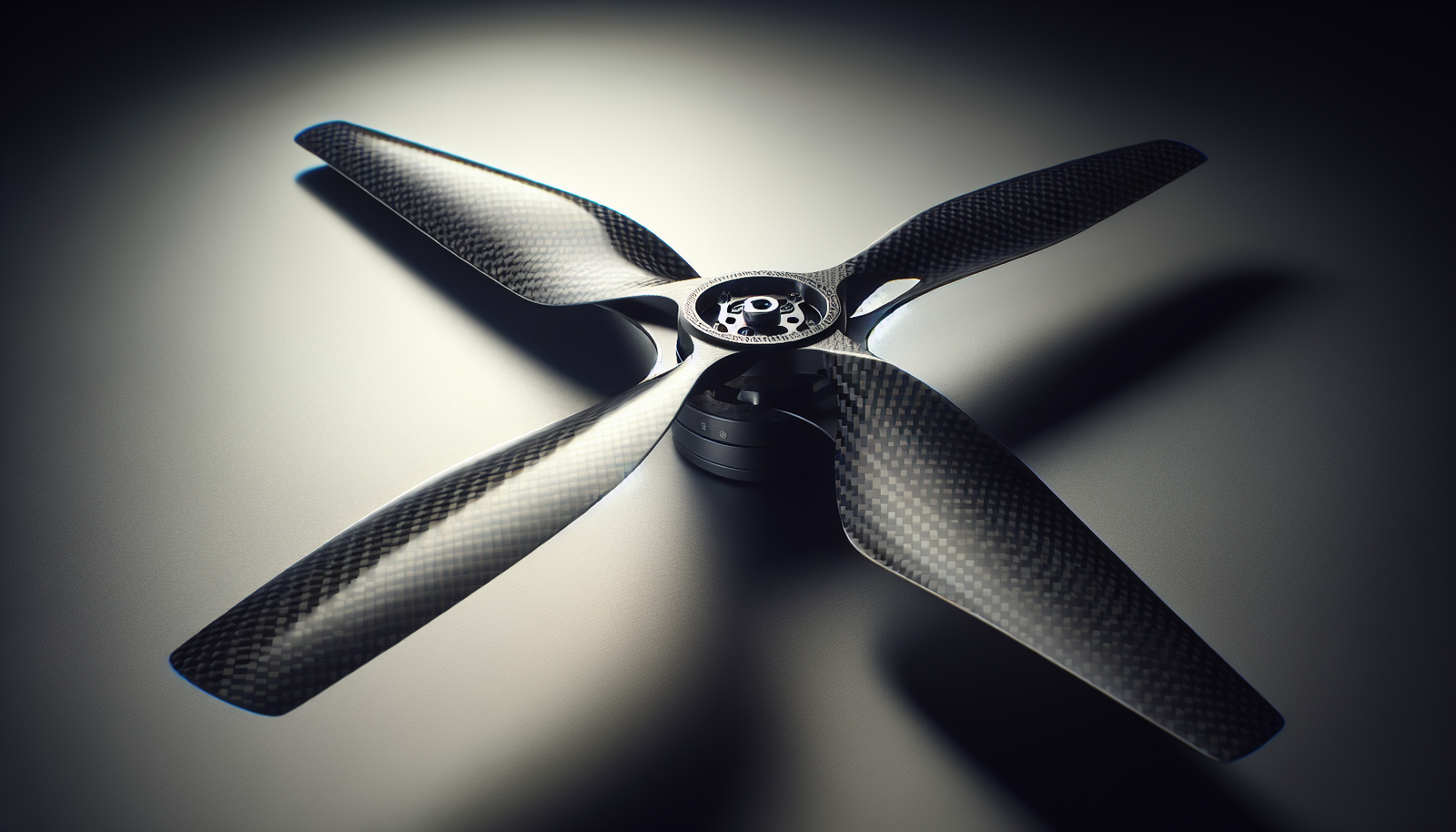
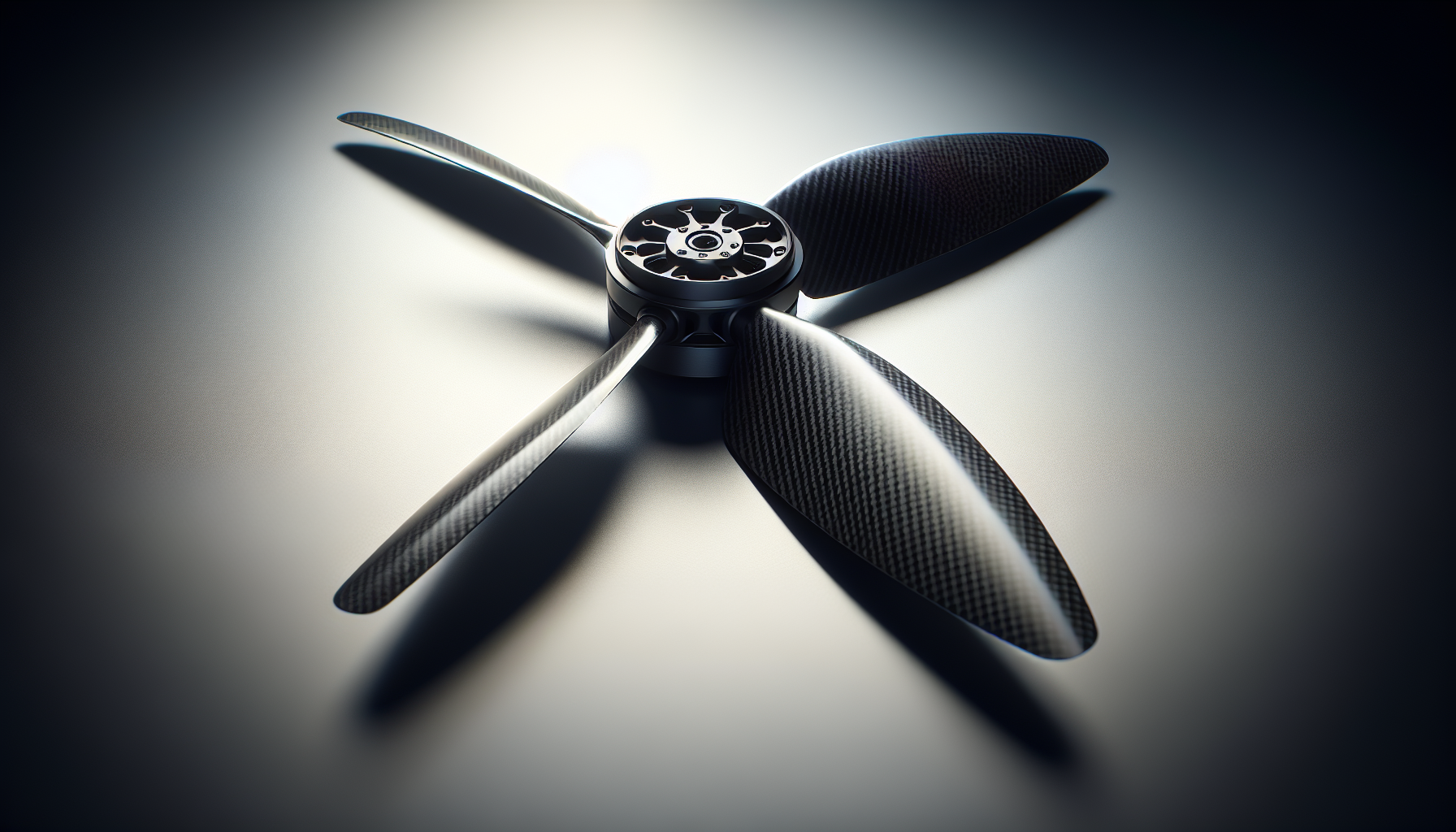
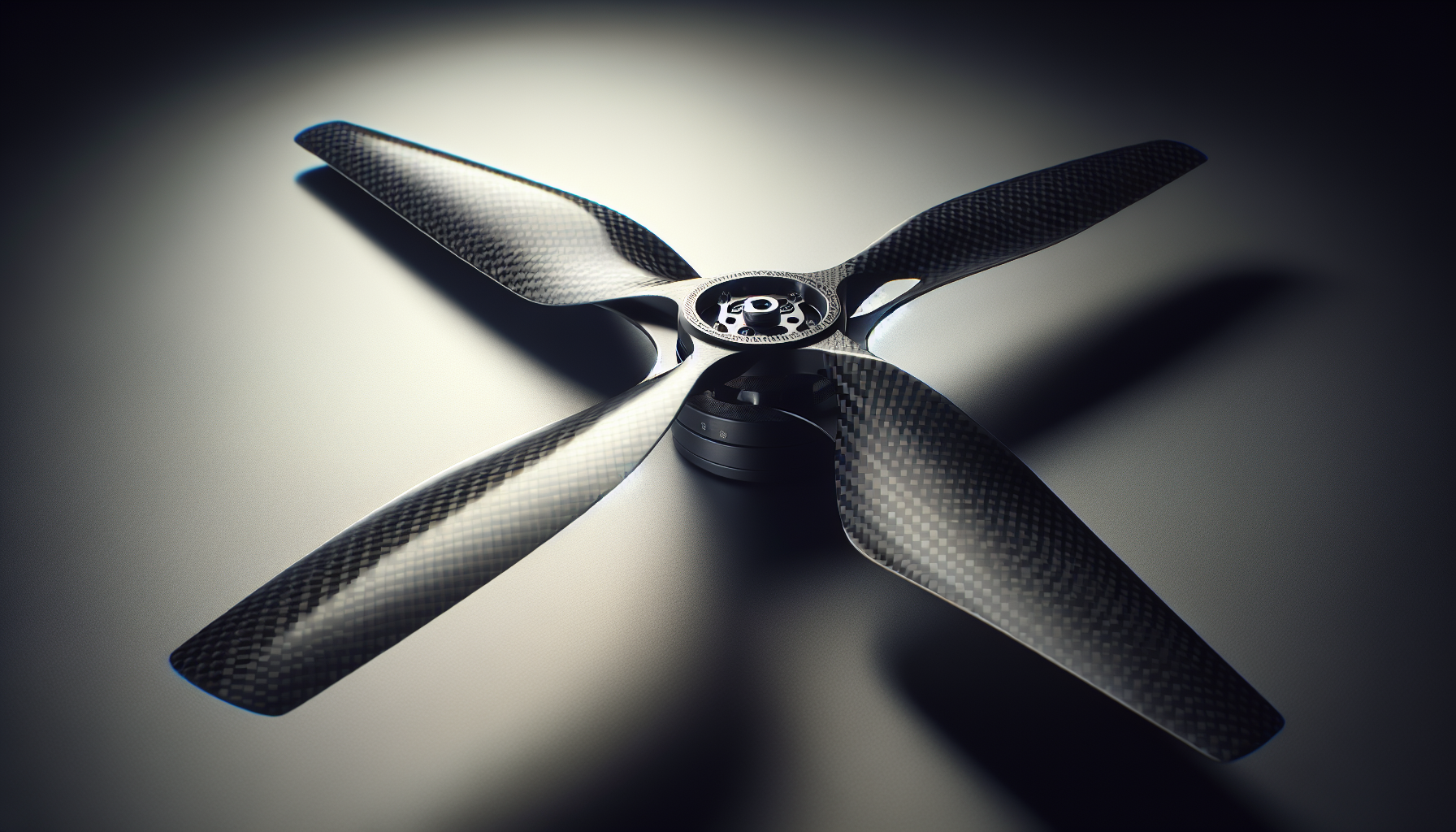
Propellers convert motor rotation into thrust. Better propellers give more thrust for less energy and reduce vibration.
He replaces worn propellers regularly. He balances new propellers before flight.
Selection tips:
- Match propeller size to motor spec.
- Choose prop shapes for the mission: long blades for lift, short blades for speed.
Maintenance tips:
- Inspect blades for chips.
- Replace if they bend or crack.
Batteries
Batteries supply power to motors and electronics. Higher capacity batteries extend flight time.
He watches battery weight and voltage closely. He balances capacity and weight to match the drone.
Selection tips:
- Check the cell count (S) to match the controller and motors.
- Use the right discharge rating (C) for the current draw.
Maintenance tips:
- Store batteries at partial charge.
- Cycle them occasionally to keep cells healthy.
Motors
Motors spin the propellers and produce thrust. Better motors give smoother torque and more efficiency.
He feels a difference when he upgrades to higher-quality motors. He notices less heat and less current draw per unit thrust.
Selection tips:
- Match motor KV to prop size and flight speed.
- Choose motors with good bearings and known brand support.
Maintenance tips:
- Clean dust from motor vents.
- Replace bearings if they make noise.
Electronic Speed Controllers (ESCs)
ESCs tell motors how fast to spin in response to controller commands. Higher quality ESCs react faster and handle current spikes.
He upgrades ESCs when he plans heavier payloads. He presses a spare ESC into service if one fails in a field.
Selection tips:
- Pick ESC amperage higher than peak motor draw.
- Choose ESCs that support the chosen firmware and telemetry protocols.
Maintenance tips:
- Check solder joints for cracks.
- Keep ESCs cool and free of dust.
Flight controllers
Flight controllers read sensors and run control loops. A better controller runs faster loops and reduces oscillation.
He notices better pointing and smoother turns after an upgrade. He calibrates the controller after any hardware change.
Selection tips:
- Choose a controller with sufficient CPU and sensor quality.
- Confirm compatibility with desired firmware and accessories.
Maintenance tips:
- Update firmware when stable updates appear.
- Recalibrate sensors after crashes.
GPS and GNSS modules
GPS gives position and time data for navigation and return home. Better GNSS modules use multiple satellite systems for more accurate fixes.
He relies on GPS to get the drone back from a bad wind. He also keeps a visual reference because GPS can fail.
Selection tips:
- Choose modules with multi-band GNSS for better accuracy.
- Use modules with an external antenna for better reception.
Maintenance tips:
- Keep the antenna clear of carbon fiber or metal.
- Check firmware updates for fixes and improvements.
Inertial Measurement Units (IMUs) and sensors
IMUs provide acceleration and rotation data for stabilization. Cleaner sensor data gives steadier attitude control.
He reboots the IMU after a hard crash. He also mounts the IMU on soft foam to reduce vibration.
Selection tips:
- Look for IMUs with high sample rates.
- Prefer sensors with integrated temperature compensation.
Maintenance tips:
- Calibrate after sensor replacement.
- Shield sensors from strong EM fields.
Gimbals and camera mounts
Gimbals stabilize the camera and remove shake from footage. A good gimbal also shifts weight and can affect center of gravity.
He buys a gimbal and then regrets the added weight on light models. He learns to match gimbal weight to motor and frame strength.
Selection tips:
- Match gimbal size to camera weight.
- Choose three-axis gimbals for stable video.
Maintenance tips:
- Check motor calibration on the gimbal.
- Tighten loose screws and check vibration isolation.
FPV cameras and goggles
FPV cameras give a live view for pilot control and better situational awareness. Higher quality video reduces eye strain and makes precise flying easier.
He uses a small FPV camera for racing and a high-quality one for inspections. He keeps spare lenses because they scratch easily.
Selection tips:
- Choose a camera with low latency for real-time control.
- Balance resolution and latency for the mission.
Maintenance tips:
- Clean lenses carefully with a microfiber cloth.
- Store lenses in a protective case.
Antennas and range extenders
Antennas carry control and video signals to and from the drone. Better antennas increase signal range and reduce dropouts.
He points antenna upgrades at the problem of a patchy signal. He considers line-of-sight and local interference before buying an expensive antenna.
Selection tips:
- Match connector type before purchase.
- Choose directional antennas for long distances and omni antennas for general use.
Maintenance tips:
- Inspect connectors and cable for cracks.
- Replace any bent or damaged antenna elements.
Prop guards and blade protectors
Prop guards reduce the risk of blade damage in close quarters. They also protect people and property in tight spaces.
He uses guards when flying near crowds or indoors. He removes them for speed flights because they add weight and drag.
Selection tips:
- Choose guards that fit the frame and prop size.
- Use lightweight materials for smaller drones.
Maintenance tips:
- Check mounts for cracks after impacts.
- Replace guards that deform or crack.
Landing gear and skids
Landing gear protects the drone and camera on touchdown. Taller gear gives more clearance for cameras and sensors.
He fits taller legs for missions that use a gimbal. He shortens the gear for flights that need less drag.
Selection tips:
- Choose landing gear that balances height and weight.
- Pick reinforced gear if using heavy payloads.
Maintenance tips:
- Check joints and mounts for stress.
- Replace broken feet to avoid wobble on ground.
Vibration dampers and mounts
Dampers reduce vibration transfer from motors to the frame and sensors. Good damping improves camera footage and sensor readings.
He installs dampers under the IMU and gimbal. He tunes damper stiffness to avoid oscillation or too much soft movement.
Selection tips:
- Choose damper materials based on temperature ranges.
- Use silicone or sorbothane for many applications.
Maintenance tips:
- Replace dampers that have flattened or cracked.
- Inspect after a heavy crash.
Filters and ND filters
ND filters reduce light for video and allow motion blur at faster shutter speeds. They help keep the image natural in bright light.
He buys a set for a camera and notices smoother footage in sunlight. He swaps filters depending on weather and mission.
Selection tips:
- Match filter size and mount to camera lens.
- Use variable ND carefully to avoid artifacts.
Maintenance tips:
- Clean filters gently and store in cases.
- Replace scratched filters to keep image quality.
Payload mounts and release systems
Payload mounts carry extra gear like sensors or packages. A reliable release system drops the payload when needed.
He practices release function on the ground to avoid surprise drops. He secures payloads tightly to avoid shifts of balance.
Selection tips:
- Use mounts rated for payload weight and vibration.
- Choose release mechanisms with fail-safes.
Maintenance tips:
- Test release functions regularly.
- Lubricate mechanical parts to avoid jams.
Telemetry radios and data links
Telemetry radios send sensor data back to the pilot for health and performance checks. Strong links keep the pilot informed of battery, GPS, and status.
He sets alarms for low battery and high temperature. He listens to telemetry tones like a pilot on an old radio.
Selection tips:
- Choose a data rate that meets the mission need.
- Use reliable protocols with error correction if possible.
Maintenance tips:
- Check antenna orientation and mounting.
- Update firmware for security and stability.
Signal boosters and RF shielding
Boosters increase signal strength for long-range control and video. Shielding blocks unwanted interference from electronics or nearby sources.
He finds that boosters help in open fields. He also learns that poor shielding creates noise near metal parts.
Selection tips:
- Match booster power to legal limits and local regulations.
- Use shielding materials around noisy telemetry electronics.
Maintenance tips:
- Inspect RF cables for wear.
- Test signal strength before long flights.
Cases, bags, and transport gear
Good cases protect expensive parts and keep things organized. A custom case saves time during setup and prevents forgotten parts.
He buys foam inserts to keep parts from shifting. He finds an organized kit reduces stress before flights.
Selection tips:
- Choose case size that fits the drone and common accessories.
- Use waterproof cases for wet conditions.
Maintenance tips:
- Clean cases after dirty flights.
- Replace foam if it becomes damaged.
Performance trade-offs and balancing choices
Every accessory adds benefit and also adds weight or complexity. He balances these trade-offs for each mission.
He lists the mission first and then picks the accessory set. He avoids adding parts that do not match the task.
Weight versus capability
A heavier accessory can add function but reduce flight time. He calculates the added weight and tests the new flight time before important missions.
Cost versus benefit
Expensive parts often give better durability or performance. He evaluates if the added cost gives measurable improvements for his needs.
Simplicity versus redundancy
Redundancy adds safety but also weight and complexity. He uses redundancy for critical missions like inspections or long-range flights.
Tools and accessories for maintenance
Good tools make upgrades easier and safer. He keeps a small kit for field repairs.
Soldering iron and spare wires
A soldering iron fixes broken connections and installs new components. He carries spare wires and solder to repair ESCs and motors in the field.
Selection tips:
- Choose a temperature-controlled iron for safe joints.
- Keep small rolls of rosin-core solder on hand.
Maintenance tips:
- Keep the iron tip clean and tinned.
- Store the iron safely to avoid burns.
Propeller balancers and vibration meters
Balancers reduce vibration before flight. Lower vibration improves IMU and gimbal performance.
He balances new propellers before each long flight. He also uses a vibration meter to check motor mounts.
Selection tips:
- Use both static and dynamic balancing for high-performance craft.
- Choose a balancer that accepts the prop sizes used.
Maintenance tips:
- Clean the balancer after field use.
- Store small weights and tape with the balancer.
Multimeter and current tester
A multimeter checks voltage, continuity, and current. He uses a current tester to measure draw during bench tests.
Selection tips:
- Get a meter with a clear display and auto-range.
- Use a clamp meter for non-invasive current checks.
Maintenance tips:
- Replace batteries in the meter regularly.
- Calibrate if readings drift over time.
Hex keys, screwdrivers, and threadlocker
Basic hand tools secure parts and tighten mounts. Threadlocker prevents screws from loosening under vibration.
He labels screw sizes and keeps spares for common drones. He applies threadlocker lightly and avoids over-tightening plastic parts.
Selection tips:
- Use titanium or hardened steel bits for durability.
- Keep a rack for small screws and spare parts.
Maintenance tips:
- Replace worn bits to avoid stripped screws.
- Check torque on critical mounts after the first flights.
Testing and tuning accessories
He tests new parts in a controlled environment before real missions. He logs performance changes to make informed choices.
Bench testing
He spins motors and measures current draw on the bench. He checks temperature after a short run.
Selection tips:
- Use a test stand for propellers and motors.
- Measure thrust output to compare changes.
Maintenance tips:
- Keep the bench area clear and safe.
- Use protective screens when testing full-power runs.
Flight testing
He performs short hover tests to confirm stability and vibration. He increases flight time and maneuvers gradually.
Selection tips:
- Fly in calm conditions when testing tuning changes.
- Use a checklist to confirm settings and mounts.
Maintenance tips:
- Note any new noises or heat signs after a flight.
- Re-check fasteners after the first few flights.
Data logging and analysis
He logs telemetry to compare battery drain, motor RPM, and GPS accuracy. Data gives clear evidence of a change in performance.
Selection tips:
- Use simple CSV logs that open in common software.
- Log both before and after accessory changes for clear comparison.
Maintenance tips:
- Sync logs to cloud storage for backup.
- Review logs after each mission to catch small trends.
Safety and legal considerations
Accessories can change weight and radio emissions. He checks local rules to ensure compliance.
Weight and registration
Many jurisdictions require registration above a weight threshold. He measures total weight after accessory changes and registers if necessary.
Selection tips:
- Check local limits and registration rules.
- Keep labels with weight and performance data in the case.
Maintenance tips:
- Update the registry if the drone weight changes.
- Carry a stamped or digital registration for inspection.
Radio and power limits
Boosters and transmitters must meet legal power limits. He uses legal settings and avoids illegal boosts that cause interference.
Selection tips:
- Verify transmitter power settings and legal limits.
- Use certified accessories where required.
Maintenance tips:
- Keep firmware updated for compliance changes.
- Test signal strength in the local environment.
Fail-safes and redundancy
Fail-safes reduce the chance of flyaways and crashes. He uses redundant GPS or an automatic return-to-home option for critical flights.
Selection tips:
- Program clear fail-safe actions for each mission.
- Use separate power feeds for critical systems if possible.
Maintenance tips:
- Test fail-safes in a safe area before field use.
- Keep a backup controller and a spare set of batteries.
Examples of accessory buildouts for different missions
He creates simple kits for common missions to guide choices. He lists parts for each mission type along with reasons.
Casual photography kit
He uses a mid-sized drone, a three-axis gimbal, ND filters, and a spare battery. This kit balances weight and image quality for short sessions.
Parts and reasons:
- Gimbal for stable footage.
- ND filters for smooth motion.
- Extra battery for longer shoots.
Inspection and survey kit
He adds multi-band GNSS, high-capacity batteries, telemetry radios, and a sturdy case. This kit focuses on accuracy and reliability.
Parts and reasons:
- GNSS for position accuracy.
- High-capacity batteries for long flights.
- Telemetry for data transfer.
Racing and agility kit
He uses light propellers, high-KV motors, strong ESCs, and low-latency FPV gear. This kit minimizes weight and maximizes response.
Parts and reasons:
- Light props for rapid acceleration.
- High-KV motors for top speed.
- Low-latency FPV for fast reactions.
Delivery or payload kit
He adds payload mounts, release mechanisms, and stronger motors. This kit focuses on safe carriage and drop accuracy.
Parts and reasons:
- Strong motors for heavier loads.
- Secure mounts for balance.
- Reliable release for safe drops.
Common mistakes and how to avoid them
He lists predictable errors that reduce performance and how to fix them. He warns against overloading the drone with parts that do little good.
Mistake: Adding weight without testing. Fix: Test time and handling after every change.
Mistake: Mismatching propellers and motors. Fix: Follow motor and prop specs closely.
Mistake: Ignoring vibration. Fix: Balance props and add dampers as needed.
Mistake: Skipping firmware updates. Fix: Update firmware when stable releases appear.
Mistake: Using low-quality connectors. Fix: Buy known brands and test under load.
Cost guide and budget tips
He maps accessories to budget levels and mission value. He suggests where to spend more and where to save.
Table: accessory, expected impact, rough cost range, priority
| Accessory | Impact on flight | Typical cost (USD) | Priority |
|---|---|---|---|
| Propellers (set) | High (thrust, vibration) | 10–40 | High |
| Battery (high capacity) | High (flight time) | 30–200 | High |
| Motor (per motor) | High (efficiency) | 20–120 | High |
| ESC (per unit) | Medium (control, current) | 15–80 | Medium |
| Flight controller | High (stability) | 40–300 | High |
| Gimbal | Medium (camera stability) | 50–500 | Medium |
| GNSS module | Medium (positioning) | 30–200 | Medium |
| FPV camera/goggles | Medium (control) | 50–600 | Medium |
| Antenna | Medium (range) | 10–150 | Medium |
| Vibration dampers | Medium (sensor readings) | 5–40 | Medium |
| Case/bag | Low (protection) | 20–300 | Low |
He uses the table to pick which parts to buy first. He prioritizes parts that show clear performance gains for the mission.
Final checklist before a mission
He keeps a short checklist to avoid last-minute problems. He checks accessories, settings, and safety items.
Pre-flight checklist:
- Inspect propellers and motors.
- Verify battery charge and health.
- Confirm flight controller calibration.
- Check GPS and telemetry link.
- Secure payload and sockets.
- Test fail-safes and return-to-home.
- Confirm local weather and legal clearance.
Closing notes and practical advice
He treats accessories as tools that change the drone in clear ways. He tests changes slowly and records results.
He keeps a small notebook or log for changes and flights. He learns from each flight and improves gear choices over time.