


? Would we like to see how Wingtra RAY LIDAR can transform our survey work and speed up field projects?
Wingtra RAY LIDAR
We present the Wingtra RAY LIDAR as a survey-focused drone platform. We describe its key features, safety design, sensor options, and workflow benefits so we can plan better projects.
Brief product summary
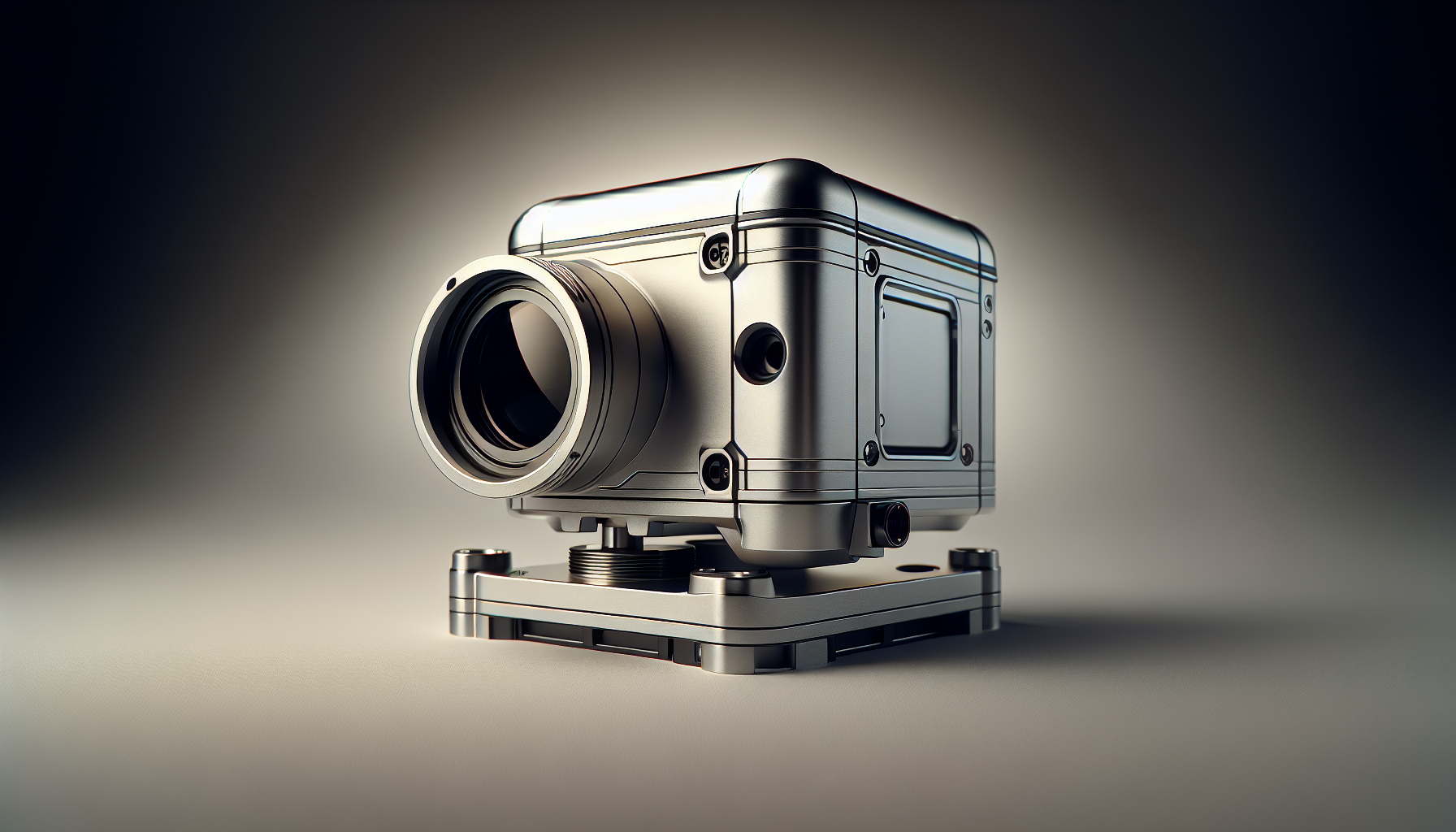
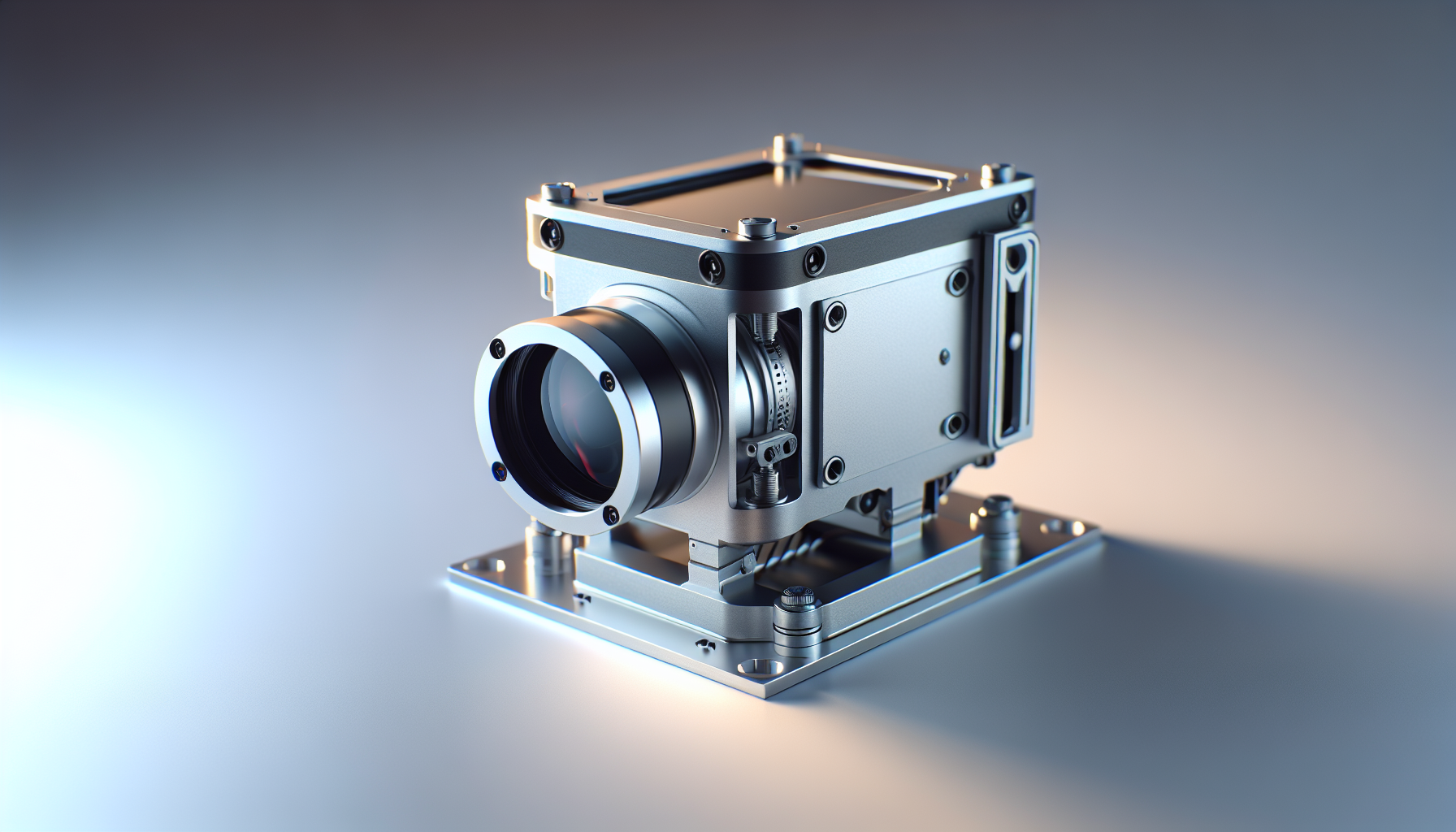
We view the Wingtra RAY as a fixed-wing VTOL drone made for fast, accurate mapping and LIDAR capture. We can switch sensors in seconds and operate with minimal setup time.
Why choose Wingtra RAY LIDAR
We choose Wingtra RAY when we need speed, safety, and survey-grade data in tight time windows. We gain faster data capture, simple workflows, and features that reduce site risk.
Speed and efficiency
We can survey 100 hectares (250 acres) in about 10 minutes. We capture more data per flight than multicopters and we close jobs faster than terrestrial methods.
Safety and legal operations
We can fly over roads and populated places with more confidence because Wingtra RAY supports FAA Category 3 over-the-people operations. We can add a parachute to meet more safety requirements and reduce legal risk.
Core advantages at a glance
We list key advantages that affect daily field work. We focus on speed, sensor flexibility, simple setup, and an integrated processing flow.
- Faster capture: 40% faster than the previous generation.
- Sensor swap: change sensors and batteries in seconds without tools.
- Simple setup: launch in under five minutes with no LIDAR calibration.
- Integrated workflow: plan, fly, and process within one system.
- Safety features: parachute add-on, obstacle detection, dual telemetry.
Sensors and payload options
We explain the available sensors and why they matter for different tasks. We keep the description focused on real outcomes.
LIDAR for point-cloud surveys
We use the RAY LIDAR option for rapid 3D point clouds and terrain capture. It gives high point density and stable flight capture for large areas.
61 MP full-frame camera
We use the 61 MP camera to capture high-resolution imagery with less overlap. We cover more ground per image, and we reduce the number of flights needed.
Multispectral and inspection sensors
We use multispectral sensors for vegetation analysis and NDVI maps. We use high-resolution inspection sensors for detailed structure inspection and millimeter-level surface inspection.
Flight performance and coverage
We detail flight metrics so we can estimate mission time and plan battery use. We keep numbers clear and actionable.
Flight time and range
We achieve up to 59 minutes of flight time per mission. We can cover larger areas with each flight and reduce the number of takeoffs and landings.
Mission speed and adaptive pacing
We let the drone adjust its speed automatically to match resolution targets. We maximize coverage when we need wider area scans and slow down when we need higher detail.
Comparison with other methods
We show a simple comparison to convey time savings and efficiency.
| Method | Area per unit time | Typical use case |
|---|---|---|
| Wingtra RAY (fixed-wing VTOL) | 100 ha in ~10 min | Large-area surveys, mixed terrain |
| Multicopter drone | Much slower | Small sites, detailed point work |
| Terrestrial survey | Very slow | High-detail control, limited area |
Setup, swap, and launch
We describe the steps from packing to airborne so we can set realistic field procedures. We focus on simple, repeatable actions.
Unpack and power on
We unpack the drone and power on the components. We follow an interactive checklist on the tablet to confirm readiness.
Sensor or battery swap
We swap batteries or sensors without tools and without cables. We reduce downtime between flights and keep the mission moving.
No LIDAR calibration required
We start LIDAR missions without in-field calibration. We shorten the time on site and we reduce user steps that commonly cause errors.
Safety systems and redundancy
We outline safety features and how they help us keep people and equipment safe. We describe fail-safes in plain terms.
Parachute add-on
We add an automatic-deploy parachute for operations over people or roads. The parachute can also be triggered manually by the pilot.
Obstacle avoidance
We detect static obstacles up to 100 meters ahead during cruise. We gain an extra layer of security for flights in changing environments.
Backup battery design
We keep the drone able to return to home even if one battery fails. The backup battery reduces the chance of an unplanned landing.
Dual telemetry and LTE fallback
We maintain connection via radio telemetry and onboard LTE. If the radio link drops, the LTE link takes over automatically.
Airspace awareness
We receive live airspace data over the cellular network. We see nearby aircraft to avoid conflicts and to better plan safe flight corridors.
Workflow: plan, fly, process
We explain how the system integrates planning, capture, and processing. We keep the workflow simple and reproducible.
Flight planning
We plan flights on the provided tablet app. We specify area, resolution, sensor type, and output format in a few steps.
Data capture
We start the mission and the drone follows the plan. We capture imagery and LIDAR data in one flight when needed.
Processing and deliverables
We process data in the same connected system. We export CAD-ready files and other deliverables the same day.
Data accuracy and PPK
We describe positioning and accuracy measures that matter for survey-grade results.
PPK module for high-accuracy maps
We use the included PPK module to improve georeferencing accuracy. We reduce the need for ground control points in many cases.
GNSS systems supported
We use GPS and GLONASS navigation for reliable flight paths. The dual systems improve positioning stability across sites.
Data outputs and file types
We explain common deliverables so we can match client requirements. We keep the outputs clear and actionable.
- Point clouds (LAS/LAZ)
- Geo-referenced orthomosaics (GeoTIFF)
- Digital Elevation Models (DEM)
- CAD-ready files for design and construction
Practical use cases
We describe common projects where Wingtra RAY adds clear value. We keep the descriptions concrete and focused on outcomes.
Topographic surveys for construction
We map sites quickly and deliver DEMs and orthomosaics in the same day. We help teams start earthworks and design with current data.
Corridor and linear projects
We survey long corridors faster than multicopters. We maintain accuracy and speed on road, rail, and pipeline projects.
Urban mapping and infrastructure inspection
We fly over roads and populated areas with improved safety features. We capture high-resolution imagery and LIDAR to inspect buildings and utilities.
Forestry and vegetation analysis
We gather multispectral and LIDAR data to estimate canopy height and biomass. We produce indices and 3D models that support forest management.
Environmental conditions and limits
We summarize operational limits so we can plan safe missions. We state facts and thresholds.
- Wind resistance up to 27 mph (approx. 12 m/s).
- Flight duration up to 59 minutes under typical load.
- Cell coverage needed for live airspace and LTE backup.
- Temperature and storage limits per the operator manual.
Certification and compliance
We list certifications and features that support legal operations. We present the facts for compliance planning.
- FAA Category 3 OOP certified for over-the-people operations.
- Parachute add-on fits legal risk mitigation strategies.
- Live airspace data helps situational awareness and conflict avoidance.
Warranty and service
We state warranty and service options so we can manage asset lifecycle. We focus on clear vendor offers.
- Standard limited warranty: 12 months.
- Extended services and second-year warranty available via Wingtra services.
- Software updates and third-tier support included for some bundles.
What is in the box
We list included items so we can check inventory and prepare for first use. We keep the list direct and exact.
| Included Item | Quantity |
|---|---|
| Wingtra RAY Mapping Drone | 1 |
| Tablet TabActive 3 | 1 |
| Telemetry Module (2.4 GHz) | 1 |
| Flight Battery | 2 |
| Flight Battery Charger with Dock | 1 |
| Battery Charger Cable | 1 |
| T10 Torx Screwdriver | 1 |
| USB-C / SD Adapter | 1 |
| Hardcase | 1 |
| PPK Module | 1 |
| Operating System, Essential Apps, Updates, 3rd Tier Support | Included |
| Wingtra 1 Year Limited Warranty | Included |
Technical specifications
We provide key technical specs to help with procurement and mission planning. We keep values clear and concise.
| Specification | Value |
|---|---|
| Camera | 61 MP full-frame |
| Maximum flight time | Up to 59 minutes |
| Wind resistance | Up to 27 mph |
| Area coverage | 100 ha in ~10 minutes (typical) |
| Positioning | GPS + GLONASS, PPK module |
| Warranty | 12 months limited |
Field setup checklist
We give a short checklist to make each mission repeatable. We use clear actions and short items.
- Charge batteries fully and check spare battery levels.
- Mount selected sensor and secure the payload latch.
- Power on drone and tablet, then connect telemetry.
- Run the interactive pre-flight checklist in the tablet app.
- Confirm airspace status and local restrictions via LTE.
- Launch when the checklist shows green.
Mission planning tips
We share practical tips to improve mission outcomes. Each tip is actionable and concrete.
- Plan flights for stable wind windows to maximize accuracy.
- Use adaptive speed to balance coverage and resolution.
- Pre-check cellular coverage if we rely on live airspace data.
- Use PPK for projects that require survey-grade accuracy.
- Swap to the 61 MP camera when we need detailed orthophotos.
Data processing best practices
We summarize steps to deliver client-ready files the same day. We highlight common pitfalls and fixes.
- Import raw data into the native process pipeline.
- Apply PPK corrections before point-cloud generation.
- Set output coordinate system to match client needs.
- Validate point density and ground classification before export.
- Export LAS/LAZ and CAD-ready layers for design teams.
Integration with client workflows
We describe how Wingtra RAY fits into standard survey and GIS workflows. We keep the steps practical.
- Share orthomosaics and DEMs via common GIS formats.
- Export point clouds for CAD and modeling software.
- Provide clear metadata about flight time, sensor used, and processing steps.
- Keep one version of processed data as the authoritative deliverable.
Cost and return on investment
We explain how speed and workflow efficiency affect project costs. We present a straightforward ROI logic.
- Faster capture reduces field hours per project.
- Fewer flights lower battery use and operator time.
- Same-day deliverables shorten project cycles and billing timelines.
- The ability to take more jobs improves annual utilization.
Common limitations and how we address them
We state practical limitations and the ways to reduce their impact. We stay honest and solution-oriented.
- Limitation: Cellular coverage may be weak in remote areas. Solution: Plan offline and capture full datasets; apply PPK on return.
- Limitation: High winds can limit flight performance. Solution: Schedule flights during calmer windows or use alternative platforms.
- Limitation: Regulations vary by country. Solution: Check local rules and use the parachute add-on and documentation where needed.
Comparison with other Wingtra models
We compare Wingtra RAY to earlier WingtraOne GEN II to show improvements. We keep the comparison focused on measurable gains.
- Speed: RAY is about 40% faster than WingtraOne GEN II.
- Coverage: RAY captures more ground per image with a 61 MP sensor.
- Payload flexibility: RAY keeps rapid sensor swaps and adds LIDAR-focused options.
Sample mission timeline
We give a typical mission timeline so we can estimate field time and deliverables. We keep times approximate and practical.
- 00:00–00:05 — Unpack and power on systems.
- 00:05–00:10 — Mount sensor, confirm checklist, and set flight plan.
- 00:10–00:20 — Launch and perform first flight (adjust for size).
- 00:20–01:30 — Continue flights to complete area based on battery swaps.
- Post-mission — Transfer data, apply PPK corrections, generate deliverables.
- Same day — Deliver CAD-ready files to client after processing.
Frequently asked questions (short)
We answer common operator questions in simple terms.
Q: Do we need special training?
A: Basic training helps, but the system is built for straightforward operation with a simple checklist.
Q: Does the LIDAR require field calibration?
A: No. The system does not need LIDAR calibration in the field.
Q: Can we fly BVLOS now?
A: BVLOS rules vary. The drone has LTE and live airspace features that help with BVLOS planning and future operations.
Q: How fast is data delivery?
A: We can deliver CAD-ready files the same day when conditions and processing allow.
Operational safety checklist
We give a short safety checklist that we can use before every flight. Each item is a direct action.
- Confirm local airspace clearance.
- Verify parachute status if required.
- Check obstacle detection is enabled.
- Ensure telemetry and LTE links are functional.
- Inspect airframe for damage or loose parts.
Training and support
We outline support and training options offered by the manufacturer. We keep the description practical.
- Wingtra provides essential apps and software updates as part of the bundle.
- Third-tier support covers more complex technical issues when needed.
- Training packages are available to help teams reach full operational proficiency.
Final considerations before purchase
We list a few final questions to ask and checks to perform before we buy. These items help align purchase with project needs.
- Do we need long-range coverage or high-detail inspection?
- Will we operate in populated areas that require special safety measures?
- Do we have cellular coverage for live airspace and telemetry backup?
- Do we need extended warranty or additional support years?
Closing summary
We summarize the main points so we can make a clear decision. We focus on what matters for survey teams.
We find Wingtra RAY LIDAR a platform that speeds up large-area surveys and simplifies data workflows. We trade reduced setup time and tool-free swaps for faster project turnarounds and same-day deliverables. We get survey-grade results with the included PPK module and many safety features that help with operations over people and roads.