

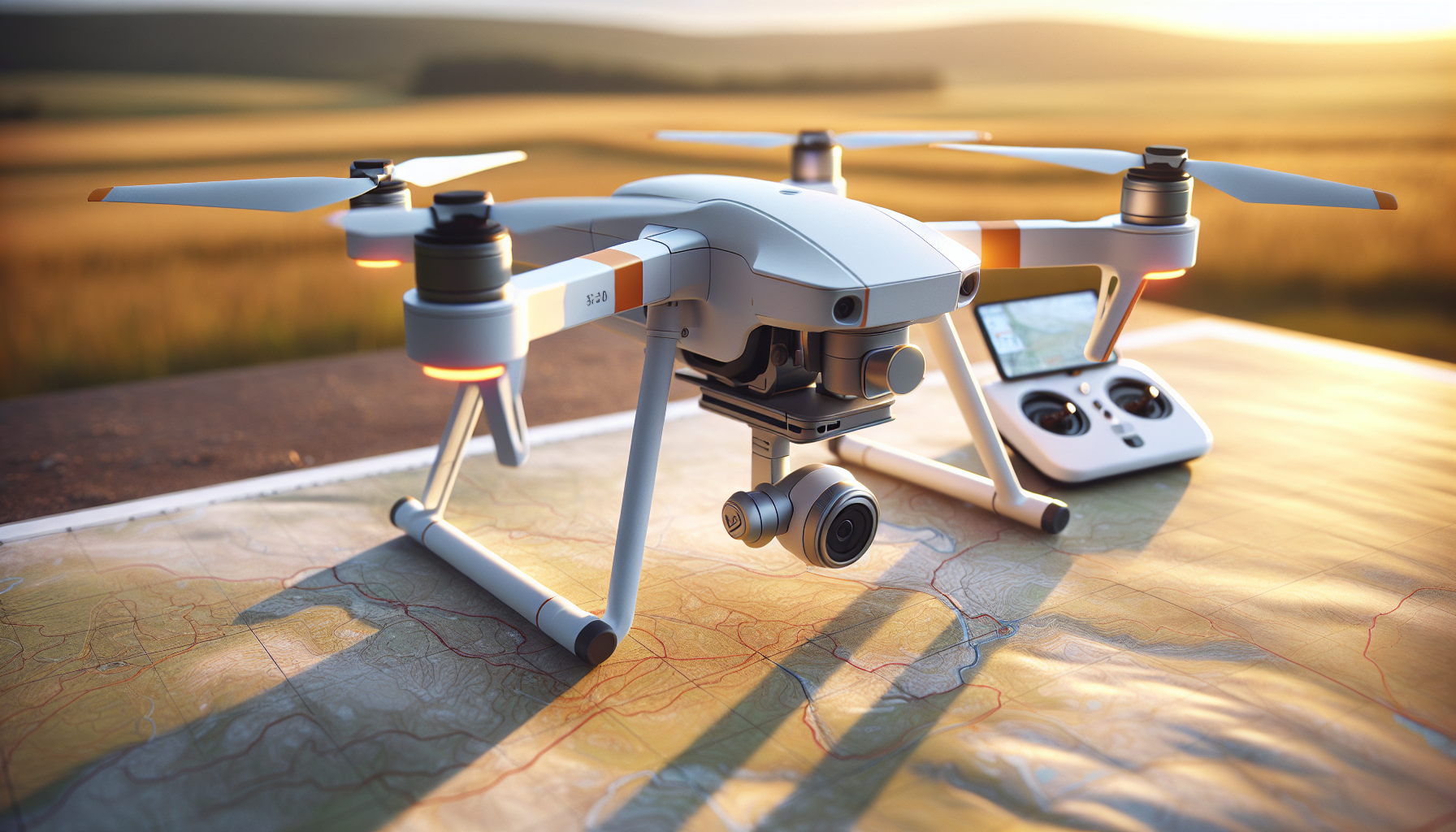
?Are we ready to map faster, safer, and with better quality using the Wingtra Ray?

Wingtra Ray Mapping Drone User Manual
We wrote this manual to help us operate the Wingtra Ray safely and efficiently. We keep language simple and steps clear so we can follow procedures in the field and in the office.
Introduction
We will use this manual to plan, fly, and process mapping missions with the Wingtra Ray. We focus on safety, reliable data capture, and smooth workflows. We aim to finish surveys in minimal time and deliver accurate results.
Safety and Certifications
We fly with safety as our top priority. We note that the Wingtra Ray holds FAA Category 3 OOP certification for operations over people and roads in the US.
We add extra safety by using the parachute add-on when required. The parachute deploys automatically and can also be triggered manually.
Key Features Summary
We list the main capabilities so we know what to expect on every mission. We use these features to plan scope and schedule.
- 61 MP full-frame camera for high-resolution imagery.
- 59-minute maximum flight time for extended coverage.
- Precise GPS and GLONASS navigation for accurate flight paths.
- Wind resistance up to 27 mph for stable flights in moderate wind.
- PPK module for improved mapping accuracy.
- Swap sensors and batteries without tools for fast turnarounds.
- Dual telemetry plus onboard LTE for continuous connectivity.
- Obstacle avoidance sensors that detect static obstacles up to 100 m ahead.
- FAA Category 3 OOP certification for flights over people and roads.
What’s in the Box
We check contents before we leave the packing table. We confirm each item against the list below.
| Item | Quantity | Notes |
|---|---|---|
| Wingtra Ray Mapping Drone | 1 | Airframe with motors and propellers |
| Tablet TabActive 3 | 1 | For mission planning and control |
| Telemetry Module (2.4 GHz) | 1 | Radio link to tablet |
| Flight Battery | 2 | Hot-swappable |
| Flight Battery Charger with Dock | 1 | Includes power cable |
| Battery Charger Cable | 1 | For charger power |
| T10 Torx Screwdriver | 1 | For minor hardware tasks |
| USB-C / SD Adapter | 1 | For file transfers |
| Hardcase | 1 | Carry and storage |
| PPK Module | 1 | For post-processing accuracy |
| Operating System + Essential Apps | Included | Pre-installed on tablet |
| Software Updates and Third Tier Support | 3 years | Subscription included |
| Wingtra 1 Year Limited Warranty | Included | See warranty section |
Technical Specifications
We present key specifications so we can match drone capabilities to project requirements. We keep the table concise for quick reference.
| Specification | Value |
|---|---|
| Camera | 61 MP full-frame |
| Max Flight Time | 59 minutes |
| Navigation | GPS + GLONASS |
| Wind Resistance | Up to 27 mph (12 m/s) |
| Sensors | Six swappable payload options |
| Coverage Rate | Survey 100 ha (250 ac) in 10 minutes (typical) |
| Safety Certification | FAA Category 3 OOP certified |
| Telemetry | 2.4 GHz + LTE onboard |
| Obstacle Detection | Detect static obstacles up to 100 m |
| Warranty | 12 months limited; extended options available |
Before You Fly — Unpacking and Setup
We keep setup short and repeatable. We unpack, power on, check items, and launch. No calibration is required for LIDAR or the camera.
- We remove the drone and accessories from the hardcase.
- We inspect the airframe, propellers, and sensors for damage.
- We insert a charged flight battery.
- We power on the tablet and telemetry module.
- We connect to the drone using the tablet app.
- We follow the on-screen interactive checklist.
We aim to complete these steps in about five minutes. We skip calibration steps unless the app requests them.
Pre-Flight Checklist
We use a checklist before each flight. We check items in the field and mark them complete in the tablet app.
| Item | Action |
|---|---|
| Visual inspection | Check propellers, motor mounts, airframe, and payload for cracks or loose parts |
| Battery state | Confirm battery charge level and secure battery latch |
| Telemetry links | Confirm 2.4 GHz radio and LTE connection if available |
| GPS fix | Wait for a stable GPS + GLONASS fix |
| Sensor attachment | Confirm sensor is fully seated and locked |
| Parachute status | Confirm parachute is armed if installed |
| Obstacle avoidance | Confirm sensors are active and unobstructed |
| Return-to-home | Verify home point and altitude settings |
| Weather check | Confirm wind below operational limit and no dangerous conditions |
| Airspace check | Confirm live airspace data and clearances |
| Mission load | Confirm mission plan loaded and previewed |
We perform these checks every time. We do not skip the parachute check when flying over people or roads.
Mission Planning
We plan missions on the tablet using the included software. We keep mission parameters simple and precise.
- We select area boundaries and required ground sampling distance (GSD).
- We set image overlap based on sensor and mission goals.
- We enable adaptive speed to match desired output and maximize coverage.
- We set altitude and flight lines appropriate for the sensor.
- We review obstacles returned by airspace and obstacle data.
- We check battery range and plan battery swaps if needed.
We keep a conservative safety buffer for RTH and battery reserves. We always confirm mission duration before launch.
Sensor Options and Payload Management
We use purpose-built sensors to match the task. The Wingtra Ray supports six swappable payloads for different survey needs.
- We select the 61 MP camera for high-detail mapping and inspection.
- We choose multispectral sensors for vegetation and agriculture mapping.
- We use LIDAR for 3D terrain and vegetation structure capture.
- We select inspection-grade sensors for mm-level inspection tasks.
- We swap sensors without tools using the quick-release mount.
- We store sensors in protective cases between flights.
We follow the sensor manufacturer guidelines for handling optics and connectors. We do not touch optics with bare hands.
Swapping Sensors and Batteries
We swap sensors and batteries to keep operations fast. We follow a safe sequence to remove and install components.
- We power off the drone and remove the battery.
- We unlock the sensor latch using the T10 Torx if needed.
- We slide out the sensor and place it in its case.
- We insert the new sensor until it clicks and lock it.
- We install a charged battery and secure the latch.
- We power on and verify sensor status in the tablet app.
We can swap batteries and sensors in seconds. We keep spare batteries and sensors ready in the hardcase.
Flight Operation — Takeoff, Cruise, and Landing
We follow consistent procedures for takeoff and landing. We use VTOL capability for safe field operations.
- We start propellers only after the area is clear.
- We lift off vertically and transition to forward flight automatically.
- We monitor telemetry, battery, and obstacle sensors during cruise.
- We allow the drone to return to home automatically or command RTH manually.
- We land vertically on a flat, clear surface and wait for propellers to stop.
We avoid hand-catching the drone. We wait for full stop and follow manufacturer guidance if a manual landing is required.
Obstacle Avoidance and Airspace Awareness
We rely on onboard sensors and live airspace updates for safe flight. The system gives us advance warning of obstacles and aircraft.
- We detect static obstacles up to 100 m ahead. We slow or reroute as needed.
- We receive live air traffic information over LTE. We avoid conflicts with crewed aircraft and other drones.
- We keep awareness of the local airspace classification and restrictions.
- We maintain visual line of sight when required by regulations.
We trust the sensors, but we still scan the sky and ground manually when needed.
Return-to-Home and Battery Redundancy
We plan for safe recovery. The Wingtra Ray uses a backup battery design to return home even if one battery fails.
- We set RTH trigger thresholds in the app.
- We confirm backup battery health before long missions.
- We observe automatic RTH if the aircraft triggers a safety event.
- We monitor battery state and land early when levels drop below planned reserves.
We do not push the batteries to the edge of their charge during critical flights.
Telemetry, LTE, and Beyond-Visual-Line-of-Sight (BVLOS)
We stay connected on every mission. The Wingtra Ray uses dual telemetry and onboard LTE for resilient links.
- We use 2.4 GHz radio for primary telemetry.
- We allow LTE to auto-takeover if the radio link drops.
- We maintain continuous position updates even when the drone moves out of radio range.
- We record flight logs for compliance and post-flight review.
We keep LTE active for missions where BVLOS is permitted. We confirm regulatory approvals before BVLOS flights.
Data Capture Workflow — From Field to Final Files
We follow a single connected workflow for efficient data delivery. We move from planning to processing with minimal manual steps.
- We plan missions and collect imagery or LIDAR data.
- We download data to the tablet or a workstation using USB-C or SD adapter.
- We process data using the included software and PPK corrections.
- We generate orthomosaics, point clouds, DTMs, and CAD-ready files.
- We export deliverables in standard formats for GIS and CAD.
We avoid manual file conversions. We keep file naming consistent for traceability.
PPK Workflow and Georeferencing
We use the PPK module for survey-grade results. We follow these steps for accurate georeferencing.
- We record raw GNSS observations during flight with the PPK module.
- We collect base station data or use a known reference station.
- We run post-processing to compute precise camera positions.
- We apply PPK corrections to imagery for final georeferenced outputs.
- We validate control points and check residual errors.
We document PPK processing settings and final accuracies for client records.
Image and LIDAR Quality Tips
We capture high-quality data by controlling simple variables. We set parameters before each mission.
- We choose altitude to achieve target GSD.
- We set sensor exposure or integration settings to avoid motion blur.
- We plan flight lines for efficient overlap and coverage.
- We schedule flights in suitable light and wind conditions.
- We ensure LIDAR settings match target density and penetration needs.
We review sample images or LIDAR previews before committing to large surveys.
Processing and Deliverables
We produce industry formats that clients use directly. We aim for CAD-ready and GIS-ready files by the end of the day when possible.
- We generate orthophotos, DSM/DTM, and dense point clouds.
- We export LAS/LAZ for LIDAR and GeoTIFF for orthophotos.
- We produce deliverable packages with metadata and processing logs.
- We include PPK and control point reports where applicable.
We name files and folders clearly. We include coordinate reference system information in all exports.
Routine Maintenance
We perform simple maintenance after every mission. We follow short daily and weekly schedules.
Daily tasks:
- We clean debris from motors and propellers.
- We inspect propellers for chips and cracks.
- We charge batteries to storage or mission levels.
Weekly tasks:
- We inspect structural mounts and screws.
- We check parachute housing and indicators.
- We run firmware and software update checks.
We log all maintenance actions. We replace any damaged parts immediately.
Firmware and Software Updates
We keep firmware and apps current for performance and safety. We follow a controlled update process.
- We check for updates on the tablet or manufacturer portal.
- We read release notes to understand fixes and changes.
- We test updates on a single system before fleet-wide rollout.
- We schedule updates during non-critical periods.
We keep an offline image of the last known good software when possible.
Troubleshooting — Common Issues and Fixes
We list common issues and clear actions to resolve them quickly. We test basic fixes before contacting support.
Issue: Drone will not arm.
- Check battery voltage and latch.
- Verify safety switch and app status.
- Inspect for motor warnings in the app.
Issue: Telemetry disconnects.
- Confirm 2.4 GHz module power.
- Check LTE reception and SIM status.
- Move to a location with fewer obstructions and re-establish link.
Issue: GPS fix poor.
- Move away from metallic structures and large buildings.
- Wait for more satellites or start again in a more open area.
- Verify GNSS antenna and PPK logs for anomalies.
Issue: Camera images blurry.
- Check shutter and exposure settings.
- Inspect lens and clean if necessary.
- Reduce airspeed or lower altitude to reduce motion blur.
We collect logs and screenshots before escalating to support.
Storage and Transport
We store and transport equipment to prevent damage. We pack items securely in the hardcase.
- We remove batteries for long-term storage.
- We store batteries at recommended state of charge (typically 40–60%).
- We protect sensors with foam inserts and lens caps.
- We dry equipment before storage after wet conditions.
We follow local rules for transport of lithium batteries on aircraft and in vehicles.
Battery Handling and Safety
We follow strict battery handling procedures. We prevent incidents by following manufacturer guidance.
- We store batteries in a fireproof container when charging.
- We never leave charging batteries unattended for long periods.
- We inspect batteries for swelling, leaks, or damage.
- We dispose of damaged batteries per hazardous waste rules.
We label battery packs with installation dates and duty cycles for lifecycle tracking.
Parachute Add-On — Operation and Checks
We use the parachute to increase safety over people and roads. We perform a simple sequence to ready the system.
- We arm the parachute in the tablet app prior to flight.
- We check packing status indicator and mechanical seals.
- We confirm readiness in the pre-flight checklist.
- We understand manual and automatic deployment triggers.
We test parachute status only as allowed by the manufacturer and local regulations. We do not perform live deployments except in emergency or authorized tests.
Operational Limits and Environmental Factors
We respect operational limits to ensure safe flights and valid data.
- Max wind tolerance is 27 mph as published. We apply conservative margins.
- We avoid heavy rain or icing conditions.
- We keep flights within temperature limits specified by the manufacturer.
- We plan for reduced performance in high-altitude or extreme heat.
We review local weather forecasts and adjust plans as needed.
Legal and Compliance Notes
We follow regulations and client requirements for each mission. We verify permission and waivers prior to flights.
- We check local aviation rules and restricted airspace.
- We secure permissions for flights over people and roads if required outside certification scope.
- We maintain flight logs and mission documentation for audits.
- We keep proof of training and certifications for crew members.
We do not fly where laws prohibit it. We consult legal counsel for complex operations.
Warranty and Extended Service
We track warranty details for repairs and support. The product includes a 12-month limited warranty.
- We register the product after purchase to activate warranty coverage.
- We keep records of purchase and serial numbers for claims.
- We review the extended services option for a second-year warranty at: https://wingtra.com/extended-services/second-year-warranty
- We follow manufacturer procedures when filing a warranty claim.
We maintain maintenance logs to support warranty requests.
Support and Service Levels
We use included support to resolve technical issues. The bundle includes software updates and third-tier support for three years.
- We contact support via the manufacturer portal or the tablet app.
- We include logs, flight data, and photos when we file a support ticket.
- We choose paid service options for expedited repairs and advanced support.
- We schedule factory service for repairs beyond field-level fixes.
We keep spare parts and service contacts readily available for urgent work.
Record Keeping and Quality Control
We document every mission for traceability. We store flight logs, processing details, and deliverables in organized folders.
- We save raw data and processed outputs separately.
- We keep processing parameters and PPK settings with each project.
- We retain control point measurements and accuracy reports.
- We create a project report that lists equipment and software versions.
We review final deliverables against client requirements before delivery.
Recommended Accessories
We keep a small kit that speeds field work and reduces issues.
- Extra flight batteries and charger dock.
- Sensor protective cases and lens cleaning supplies.
- Spare propellers and mounting screws.
- Fireproof battery charging bag.
- Rugged tablet case and spare tablet battery.
- Ethernet and USB-C cables, SD cards, and readers.
We also recommend a sturdy transport case for travel.
End-of-Life and Disposal
We plan for responsible equipment disposal. We follow environmental and local rules for electronics and batteries.
- We recycle batteries through certified vendors.
- We return core parts to the manufacturer if buy-back or recycling options exist.
- We securely erase data from tablets before disposal.
We document disposal actions for company records.
Quick Reference — Field Commands and Limits
We keep a short guide for field use to reduce time searching for details.
- Max wind: 27 mph.
- Max continuous flight: 59 minutes (varies by payload).
- Typical survey rate: 100 ha in 10 minutes (sensor dependent).
- Parachute: armed in app; manual and automatic deploy modes.
- Telemetry: 2.4 GHz primary; LTE backup.
We print or save this page on our tablet for quick access.
Final Notes
We rely on the Wingtra Ray to deliver fast, accurate mapping with strong safety features. We follow the manual to keep operations smooth and repeatable.
We keep our skills fresh by practicing safe operations and reviewing updates from the manufacturer. We log lessons learned after each mission and share them with the team.
If we follow the steps in this manual, we can map efficiently, keep people safe, and deliver high-quality results to our clients.