

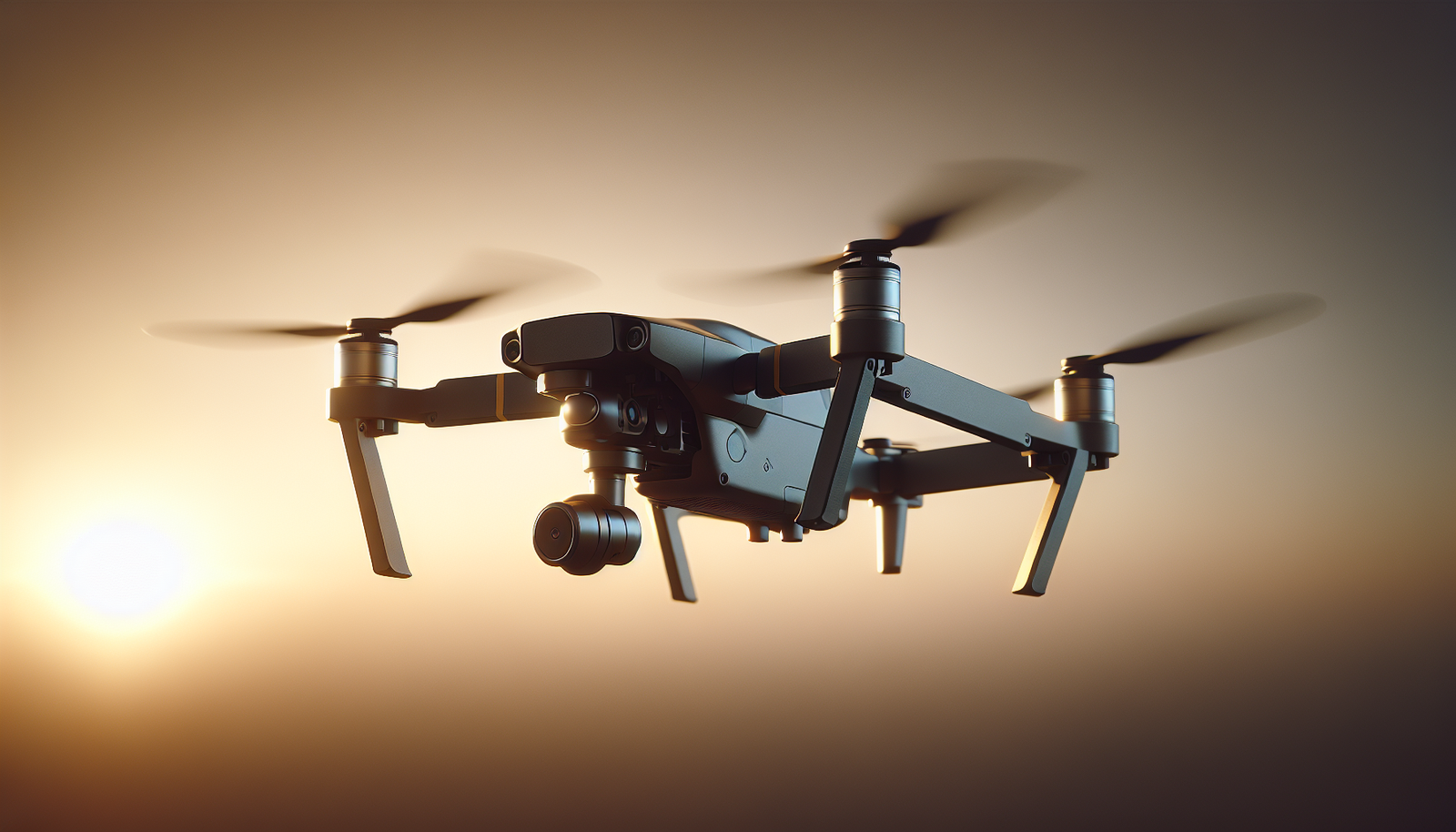
Can a buzzing machine make a calm picture?
Drone videography records stable aerial footage
He looks at the small machine and imagines a steady film. He holds the controller and breathes slowly. He sets the drone on a flat table and checks the camera mount. He understands that camera stability starts with the machine and ends in the editor. This article explains how drone videography records stable aerial footage. It shows the tools, the settings, the habits, and the mistakes. It mixes clear facts with a gentle voice. It keeps sentences simple and direct. It keeps the tone friendly and slightly wry, like a person who has crashed a propeller into a picnic table and learned a lesson.
Why stability matters
He points the camera down and sees the world. He notices that the world moves. He wants the film to feel calm. Stable footage helps the viewer focus on the subject. Stable footage reduces motion sickness. Stable footage looks more professional. Stable footage sells a story.
Main elements of stability
He lists the main elements of stability. He names the gimbal, the flight control, the propellers, the weight balance, and the pilot skill. He adds software and post processing to the list. Each element plays a role. Each element can ruin a shot if it fails.
The gimbal: the first line of defense
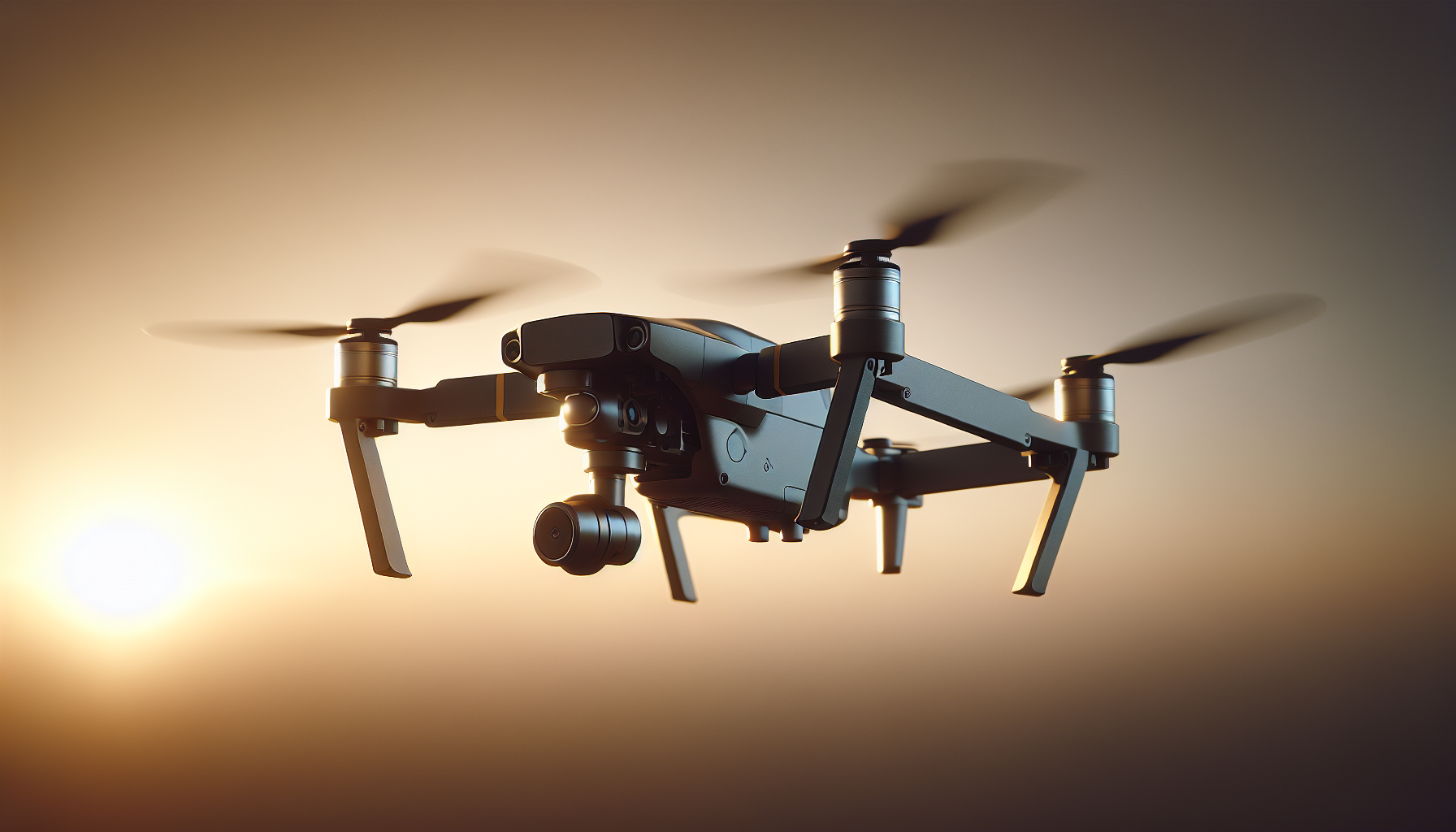
He lifts the camera and examines the gimbal. The gimbal holds the camera and moves to offset drone motion. It uses motors and sensors to do this. A three-axis gimbal controls tilt, roll, and yaw. A two-axis gimbal controls tilt and roll only. The three-axis gimbal gives more stable results for most shots. He checks the gimbal for tight cables and smooth movement. He keeps the gimbal clean and free from dust.
How the gimbal works
He explains the gimbal in simple steps. Sensors read the camera motion. Motors push the camera the opposite way. The system keeps the camera level. The gimbal reduces shake from wind and sharp turns. The gimbal does not stop all motion, but it handles small disturbances well.
Common gimbal issues
He lists common gimbal issues. Loose mounts cause wobble. Damaged motors reduce correction. Stiff bearings limit movement. Bad calibration gives drift. He recommends simple checks before each flight. He watches the gimbal move in hand. He listens for unusual noise.
Flight control and stabilization algorithms
He examines the flight controller and its software. The flight controller reads sensors and sends commands to motors. The sensors include gyros, accelerometers, and GPS. The flight controller uses this data to maintain position and attitude. It adjusts motor speed to counter wind gusts. It smooths joystick inputs to prevent sudden moves.
GPS and position hold
He describes GPS functions. GPS gives location and altitude data. The drone uses GPS to hold a position in midair. The drone pairs GPS with barometer to hold altitude. When GPS signal is strong, the drone hovers with less drift. When GPS signal is weak, the drone may sway. He avoids flying in places with poor GPS, like near tall buildings or heavy tree cover.
IMU and sensor calibration
He explains the IMU role. The IMU contains the gyro and accelerometer. The IMU measures rotation and acceleration. The drone uses IMU data to keep stable flight. He calibrates the IMU during preflight checks. He follows the manufacturer steps for calibration. He notes that a bad IMU causes erratic behavior.
Propellers, motors, and mechanical balance
He inspects the propellers and motors. He tightens propeller screws. He replaces chipped propellers. He balances propellers using a simple tool. He balances motors if he detects vibration. Balanced props reduce vibration that the gimbal must fight. Tight motors and balanced props lead to cleaner footage.
Propeller types and tips
He describes propeller choices. He uses stock props for most flights. He switches to low-noise props for quieter shots. He picks prop size that matches motor power and drone weight. He checks prop direction before each flight. He ensures that props mount to the correct motors.
Weight distribution and center of gravity
He puts the battery in the drone and notices balance. He shifts payload to center the mass. He keeps the camera and accessories near the drone center. He remembers that imbalanced load can cause constant motor corrections. He knows that constant corrections produce micro-vibrations. He keeps the center of gravity near the drone’s center.
Mounting extra equipment
He describes mounting choices. He mounts ND filters on the lens. He secures external microphones if he uses them. He attaches payloads low and central. He avoids side-mounted weights that cause roll. He tests flight after any change.
Speed, motion, and pilot control
He moves the joystick and watches the drone. He controls speed with smooth inputs. He avoids sudden jerks. He plans each shot and practices the movement. He uses slow, steady panning for cinematic looks. He keeps acceleration and deceleration even. He notes that the drone moves faster than the camera can absorb. He reduces speed for tight shots near subjects.
Manual versus automatic modes
He compares modes simply. Manual mode gives full control to the pilot. GPS assisted mode holds position and helps with smooth moves. Cinematic or tripod modes slow down control response to smooth the flight. He picks the mode that matches the shot and his skill level.
Camera settings for stable footage
He adjusts camera settings before takeoff. He sets the shutter speed, frame rate, and ISO. He chooses shutter speed that reduces blur but keeps natural motion. He follows the 180-degree rule for shutter: set shutter at about double the frame rate. He selects frame rates based on the intended output. He keeps ISO low to reduce noise. Lower noise makes software stabilization cleaner. He locks white balance for consistent color.
Shutter speed and motion blur
He balances blur and clarity. Faster shutter gives sharper frames at the cost of natural motion. Slower shutter gives smoother motion blur but may smear fast moves. He tests settings on the ground before the flight. He chooses a shutter and frame rate pairing that matches the scene.
ND filters and exposure control
He uses ND filters to control exposure in bright light. ND filters let him use slower shutter speeds while avoiding overexposure. He screws the ND filter on the lens and checks the image. He prefers a set of ND filters for different light levels.
Electronic image stabilization and sensor features
He explains EIS simply. EIS uses software inside the camera to move the image frame and remove shake. The sensor crops the image slightly to allow software to shift the view. EIS reduces small jitters and rolling shutter effects. EIS adds processing, which can reduce sharpness a little.
Rolling shutter and readout
He explains rolling shutter in simple terms. The sensor reads the image line by line. Fast motion can skew the image during readout. EIS and fast shutter speed reduce rolling shutter artifacts. He avoids extreme pans that cause skew.
Post-production stabilization
He opens the editor and imports footage. He applies software stabilization when needed. He uses algorithms like Warp Stabilizer or dedicated tools. The software analyzes motion and warps frames to smooth the path. The process may crop and reframe the image. The editor trades resolution for stability in many cases.
When to use post stabilization
He decides based on footage quality. If the gimbal and flight control handled most wobble, he may skip heavy software work. If the footage shows jitter or unwanted roll, he applies stabilization. He uses software only when necessary because software can remove fine detail.
How much crop to expect
He warns about crop. Software stabilization uses extra pixels around the frame. This step reduces the final field of view. He keeps higher-resolution footage to allow cropping without visible loss. He records at a higher resolution when he anticipates heavy stabilization.
Shot types that help maintain stability
He lists shot types that produce clean, steady footage. He notes how pilot technique helps each type.
- Tracking shot: He follows a subject and keeps distance constant. He matches subject speed to keep smooth framing.
- Reveal shot: He rises or moves the drone to show a scene. He uses slow, even motion to keep the reveal steady.
- Orbit shot: He circles a subject while keeping the camera focal point central. He sets a stable radius and speed.
- Crane shot: He lifts or lowers the drone in a vertical motion. He moves evenly to preserve smoothness.
- Push-in shot: He moves straight toward a subject. He reduces acceleration at the start and decel gently at the end.
He practices each motion before the take. He rehearses transitions on the ground. He creates a simple plan and follows it.
Environmental factors that affect stability
He measures wind speed before flight. He reads the forecast and watches local conditions. He avoids gusty periods. He looks for thermals near cliffs and buildings. He checks for heavy rain, fog, or snow. He notes that precipitation can change drone behavior and damage electronics.
Wind and turbulence
He respects wind power. He remembers that wind creates gusts and turbulence. He knows that turbulence appears near obstacles, like trees and buildings. He keeps safe distance from those hazards. He slows down when the wind picks up. He lands if the wind breaches the drone’s limits.
Temperature and battery performance
He watches temperature effects on batteries. Cold reduces battery life and power. Hot weather increases motor stress. He keeps batteries at recommended temperatures. He warms batteries before cold flights. He stores batteries safely after each flight.
Preflight checklist for stable footage
He prepares a simple checklist. He follows the checklist before each mission. He checks the drone, the camera, the software, and the environment. He uses the checklist to avoid obvious mistakes.
| Item | Action |
|---|---|
| Gimbal | Check movement and calibration |
| Propellers | Inspect and balance |
| Batteries | Verify charge and temperature |
| IMU/GPS | Calibrate and obtain strong signal |
| Camera | Set shutter, frame rate, ISO, ND |
| Mounting | Secure payload and balance weight |
| Mode | Select flight mode for shot |
| Environment | Check wind, obstacles, legal limits |
He uses the table and goes down the list methodically.
Common mistakes and how to avoid them
He lists frequent errors that harm stability. He provides clear fixes.
- Forgetting propeller inspection. He inspects before flight.
- Skipping gimbal calibration. He calibrates regularly.
- Using wrong flight mode. He selects the mode that fits the shot and skill.
- Over-speeding near subjects. He slows down for close work.
- Ignoring wind. He checks wind and lands when unsafe.
- Setting high ISO in bright light. He lowers ISO and uses ND filters.
He emphasizes that small habits prevent large problems.
Camera choices and drone platforms
He compares camera choices in simple terms. Some drones include built-in cameras. Some drones accept interchangeable cameras. He chooses a platform based on weight, budget, and the required image quality. He remembers that heavier cameras need stronger motors and more battery power.
Consumer drones versus professional rigs
He contrasts the two classes. Consumer drones give convenience and lighter weight. Professional rigs offer higher image quality and more control. Professionals often use large cameras on multi-rotor platforms. Larger rigs demand more planning and support crew.
Legal and safety basics
He checks local regulations before the flight. He registers the drone when required. He maintains line of sight with the drone. He keeps distance from people and property. He avoids restricted airspace. He respects privacy and permission rules.
Insurance and permissions
He considers insurance for professional work. He obtains permits for commercial shoots. He communicates with authorities when flying in shared spaces. He documents permissions for the shoot.
Editing workflow for stable drone footage
He organizes footage and backs up the files. He works in a non-linear editor that supports stabilization. He applies color correction and stabilization in separate passes. He keeps a copy of the raw footage. He exports the stabilized version after grading.
Timeline and render settings
He sets the timeline to match the highest-quality footage. He works at native frame rate and resolution when possible. He renders with settings that preserve detail. He checks the final render for jitter or warp.
Audio and vibrating mounts
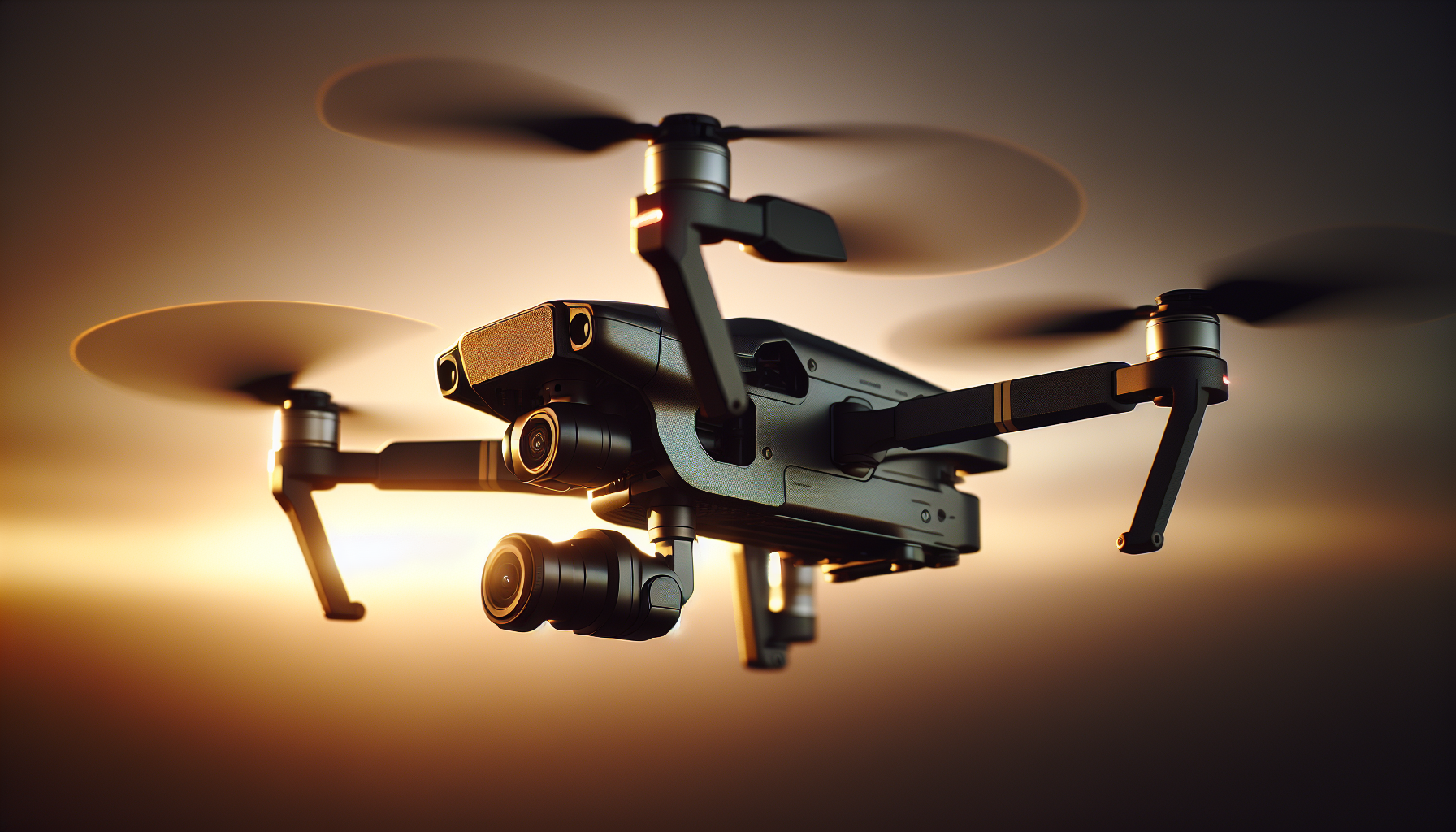
He records audio when needed. He knows that drone motors create noise. He places microphones on the ground when possible. For on-drone audio, he uses shock mounts to reduce vibration. He understands that no mount removes all motor noise.
Troubleshooting tips for shaky footage
He follows a step-by-step approach. He isolates the cause before applying fixes.
- He inspects the drone for physical damage.
- He checks propeller balance and motor condition.
- He recalibrates the IMU and gimbal.
- He reviews camera settings for shutter and frame rate errors.
- He applies light EIS or post stabilization only if needed.
He tests after each fix. He repeats until the footage improves.
Practical examples and case notes
He recalls a coastal shoot where wind undermined an orbit. He slowed the orbit and moved farther from the subject. He watched the gimbal correct small gusts. He kept the shutter at twice the frame rate and used ND filters to maintain exposure. The final footage looked steady and calm.
He remembers a forest shoot where GPS failed. He switched to visual positioning mode and flew slower. He tightened field margins and avoided sudden turns. The footage retained stable framing.
He tells of a rooftop shoot where a loose prop caused jitter. He landed, replaced the prop, and resumed filming. He learned that small hardware checks save time later.
Equipment checklist for stable aerial videography
He lists practical gear that helps achieve steady shots.
- Drone with three-axis gimbal
- Spare propellers and a balancing tool
- ND filter set
- High-capacity batteries and a charger
- Payload straps and mounting plates
- Hard case for transport
- Ground monitor for live feed
- Extra memory cards with high write speed
He packs the items and checks them before the mission.
Choosing the right shot for the story
He thinks about the story and picks the shot that fits. He uses steady footage to support emotion. He chooses slow moves for calm scenes. He picks tighter moves for tension and detail. He avoids unnecessary motion that distracts.
Training and practice routines
He sets practice goals. He practices basic moves in a safe area. He repeats tracking, orbit, and vertical lifts. He times the moves to feel natural. He increases difficulty as skill improves. He records practice and reviews the footage. He learns from mistakes.
Simulator training
He uses a flight simulator to build skill without risk. The simulator mimics drone response and control feel. He practices emergency maneuvers and control smoothing in the simulator. He returns to real flight with more confidence.
Advanced topics in stability
He touches on advanced tools that improve results. He mentions follow-me modes that lock the camera on a subject. He notes geofencing that keeps drones out of restricted spaces. He mentions RTK GPS for precise positioning in professional work. He chooses features based on the project needs.
RTK and precise positioning
He explains RTK simply. RTK uses a base station and correction signals. The drone receives corrections that improve position accuracy. The improved accuracy helps repeatable flight paths and stable hold for slow moves.
Cost versus stability trade-offs
He advises on budget planning. He notes that higher cost often buys better gimbals and sensors. He points out that good pilot skill can compensate for some budget limits. He suggests investing in propeller quality and gimbal care as efficient upgrades.
Final checks and mission execution
He follows a final routine before takeoff. He verifies battery levels and memory. He reviews the flight plan and emergency return point. He confirms that people in the area know about the flight. He arms the drone and lifts slowly. He watches the first 30 seconds closely for any issue.
Summary and practical advice
He summarizes the essentials in short lines.
- Good hardware prevents many problems.
- Balanced props and tight mounts matter.
- A three-axis gimbal gives the best baseline stability.
- Smooth pilot input reduces jerk and wobble.
- Proper camera settings reduce artifacts.
- Post stabilization can fix small issues but costs crop.
- Environmental checks prevent surprises.
- Practice improves consistent results.
He leaves the reader with a simple thought: steady results come from attention to small things.
Quick preflight checklist (compact)
| Step | Action |
|---|---|
| Visual | Inspect drone and camera |
| Hardware | Tighten props and mounts |
| Calibration | Calibrate IMU and gimbal |
| Settings | Set shutter, frame rate, ND |
| Batteries | Check charge and temperature |
| Environment | Check wind and obstacles |
| Permission | Confirm legal clearance |
He prints the list and uses it each time.
Closing note with a gentle grin
He imagines a neighbor who watched the drone and complained about the noise. He thinks of the same neighbor applauding the final edit. He smiles at that small victory. He knows that patience, routine, and a slightly guilty sense of humor help more than high cost alone. He files the footage and begins editing.