

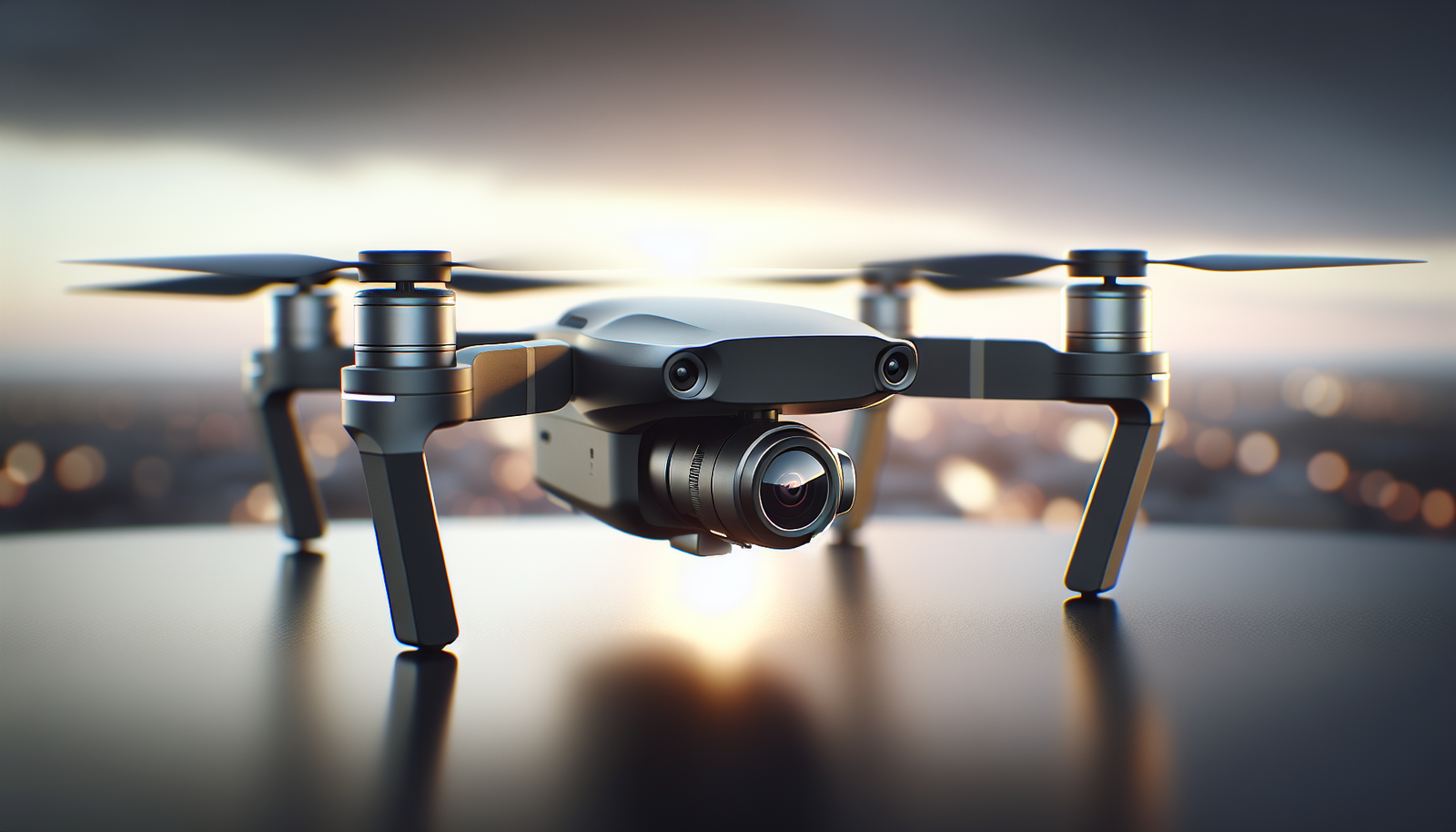
? What happens when a camera learns to fly and a human forgets the ground rules?
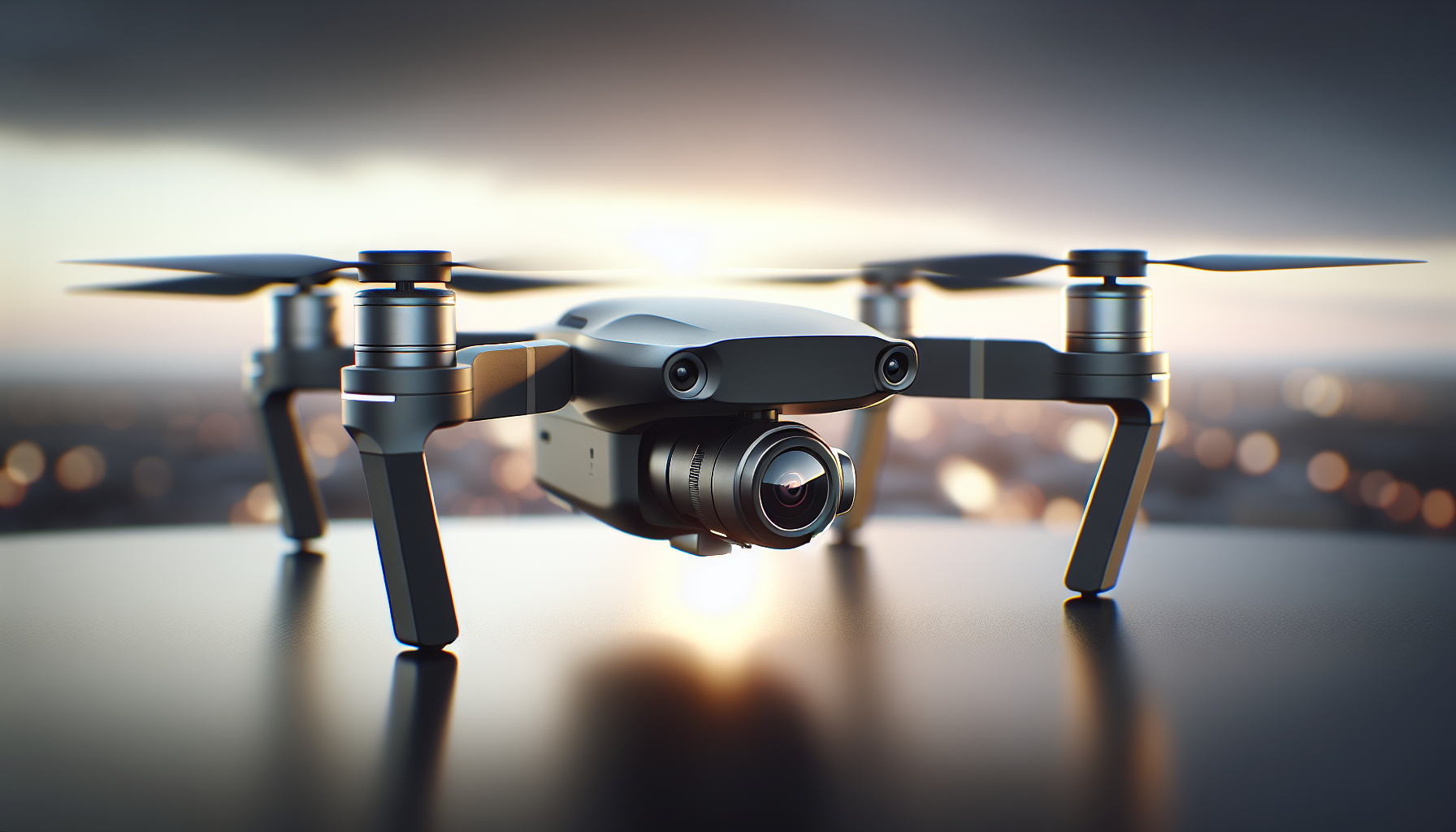
How consumer drones changed photography
He noticed the first change when rooftops began to look like movie sets. The drone put a camera above him. He saw angles he had not seen before. Photographers saw those angles too. They changed how they worked.
They used drones to shoot places that pilots and cranes made costly. The drone lowered costs and raised access. He could reach over water, trees, and narrow streets. The camera recorded with a calm that handheld work rarely matched.
A short history of consumer drones
He remembers watching toy helicopters in a store window. The toys did not have cameras. Then small cameras got light and cheap. Engineers put cameras on quadcopters. The market shifted fast.
They moved from hobby kits to ready-to-fly models. Companies built simpler controls and safer returns. The devices reached more people. Photographers found new tools.
Why drones matter to photographers
Aerial shots change perspective in clear ways. They show scale, patterns, and context. He used those views to tell clearer stories.
Drones let a person float a camera above a subject. The camera records a new relationship between subject and environment. That change can make a photo more useful or more beautiful. It can also make a photo more surprising.
Types of consumer drones
He categorized drones by size and capability. The categories help a buyer match needs to cost.
| Category | Typical weight | Camera capability | Typical user |
|---|---|---|---|
| Toy | <250 g | None or basic | Beginners, children |
| Consumer | 250 g–900 g | Good 4K, stabilized | Hobbyists, social photographers |
| Prosumer | 900 g–2.5 kg | High-end 4K/6K, larger sensors | Serious hobbyists, pros on a budget |
| Professional | >2.5 kg | Full-frame, cinema options | Film, aerial survey, high-end work |
He saw that laws often change at the 250 g mark. Buyers should check local rules. He also recommended matching the category to the task.
Core parts and how they work
The drone needs motors, propellers, a flight controller, GPS, and a camera. Each part plays a clear role.
- Motors and propellers provide lift.
- The flight controller balances the craft.
- GPS helps with position hold.
- The camera records images and video.
- Batteries supply power.
He compared drone parts to a car. The motors are the engine. The controller is the driver. The camera is the passenger who writes notes.
Camera systems and gimbals explained
The camera matters more than most people admit. A sensor decides detail, noise, and dynamic range. He often saw buyers chase brand names and miss sensor size.
A gimbal keeps the camera level. The gimbal cancels motion. The result is a smooth video and sharper stills. He watched footage before and after a gimbal and understood why professionals invest in them.
Flight controls and automation
Pilots control direction, altitude, and yaw. Modern drones offer modes that help with those tasks. The modes can hold position, follow a subject, or trace a path.
He used follow modes to film a friend running on a shoreline. The drone flew steady and kept pace. The pilot focused on framing. The camera did the rest.
Safety features and fail-safes
Most consumer drones include return-to-home. The function brings a drone back if it loses signal or battery runs low. Geofencing can block flights near airports or restricted sites.
He valued obstacle sensors. The sensors warn or avoid collisions. They matter in urban shoots. They also reduce stress for new pilots.
Legal and ethical basics
A pilot must know local law. Rules cover altitude, distance, and private property. He read rules before every new shoot.
The drone can record people without their consent. He taught students to ask permission before filming a person up close. He stressed respect for privacy as part of safe practice.
Preparing for a flight
He checked weather first. Wind affects control and battery life. Rain can end a flight before it starts.
He charged batteries and cleaned propellers. He checked firmware. He tested controls with a short hover. He made a simple plan for shots and a clear landing zone.
Battery management and range
Batteries limit flight time. Consumer drones typically fly 20–35 minutes per battery. He always budgeted for takeoff, setup, and a safety margin.
He rotated batteries to keep the day steady. He carried spares and a charger. He never trusted a single battery for a long job.
Camera settings for aerial stills
He set ISO low for clean images. He chose shutter speed that avoided blur. He used aperture to manage depth and sharpness.
He preferred shooting RAW. RAW gives more options in post. He recommended bracketed exposures for high-contrast scenes.
Camera settings for aerial video
He used 24 or 30 frames per second for cinematic motion. He adjusted shutter to double the frame rate for natural motion blur. He set a neutral picture profile for more color control later.
He raised bit rate when the drone allowed. Higher bit rate retains more detail. He kept ISO low to reduce noise.
Composition tips for aerial shots
He looked for leading lines and shapes that the camera could emphasize. The drone showed roads, rivers, fences, and rooftops in new patterns. He used those elements to guide the eye.
He kept the horizon straight. He avoided chopping subjects oddly by thinking in squares and rectangles. He chose heights that matched the subject. Low altitude emphasizes detail. High altitude emphasizes layout.
Framing and scale
He used objects of known size to show scale. Cars, people, and houses helped viewers understand distance and size. He moved the drone higher to show larger patterns and lower to show textures.
He considered the frame as a stage. The drone placed subjects into that stage with care. He tried several heights to find the best one.
Light and time of day
He preferred early morning and late afternoon for soft light. The light then adds texture and avoids harsh shadows. Midday light can be flat and bright.
He used golden hour for warm tones. He used blue hour for moody scenes. He planned flights around conditions and kept a backup plan.
Working with people and events
He told clients what to expect. He explained the noise and the approach. He set clear boundaries for where the drone would fly over the crowd.
He checked local rules for events. Some places ban drone flights during public gatherings. He planned stationery shots and brief passes to keep people calm.
Use cases: real estate
A realtor used drone photos to show property layout. The aerial images showed yard size, pool placement, and neighborhood features. Buyers found those images valuable.
He framed the house from an angle that emphasized light and garden. He shot a slow reveal of the front yard and then the backyard. He matched drone work to the rest of the marketing materials.
Use cases: weddings and portraits
A photographer used a drone for group photos and sweeping scenes. The drone took creative shots that ground cameras could not. He used the drone in short bursts to avoid loud distraction.
He coordinated with the wedding planner. He kept the drone away from hot air balloons and open-flame details. He prioritized safety and respect over a dramatic shot.
Use cases: landscape and nature
A landscape photographer used drones to highlight patterns in fields, water, and rock. Aerial angles showed textures and lines that ground work missed. He moved the camera until the scene felt balanced.
He avoided wildlife disturbance. He kept distance from nesting birds and marine mammals. He treated natural subjects with care and restraint.
Use cases: film and commercial work
Directors used drones for establishing shots and dynamic movement. The drone replaced expensive cranes for many tasks. He saw low-budget films get a big look because of aerial footage.
He planned shots with the director and the drone pilot. He rehearsed movement and timing. He ensured lighting and framing matched the ground footage.
Use cases: journalism and inspection
Reporters used drones for scene overview and evidence gathering. Inspectors used drones to check roofs, towers, and bridges. The drone sent back images that were hard to get from the ground.
He emphasized accuracy and chain of custody. He treated images as records when used for reports. He kept metadata and flight logs for verification.
Post-production workflow
He backed up files to two drives immediately. He organized files by date and mission. He labeled metadata with location and client.
He processed RAW files with conservative adjustments. He corrected exposure, color, and perspective. He stabilized video when needed and matched color across clips.
Common problems and fixes
Fog and haze reduce detail. He used polarization and lower ISO to help. He scheduled shots for clearer air when detail mattered.
Motion blur can ruin a still. He increased shutter speed or used a higher ISO. He kept movements smooth and predictable.
Crash stories and lessons
He crashed a drone into a pine tree once. He underestimated wind gusts near the ridge. The drone did not cooperate.
He learned to plan for turbulence near structures and cliffs. He inspected the craft after every small bump. He kept spare parts and propellers in his kit.
Buying guide: what to look for
He prioritized sensor size and gimbal quality. He checked flight time and availability of spare batteries. He reviewed support and firmware update history.
He matched the drone to the mission. A content creator needed different gear than a surveyor. He valued a stable platform over flashy specs.
| Budget tier | Typical features | Good for |
|---|---|---|
| Entry ($100–$400) | Basic camera, short flight time, limited sensors | Beginners, casual shots |
| Mid ($400–$1,200) | 4K video, 20–30 min flight, GPS, gimbal | Enthusiasts, social content |
| Prosumer ($1,200–$3,000) | Larger sensors, extra accessories, higher bit rates | Freelancers, small businesses |
| Professional ($3,000+) | Full-frame sensors, long-range, advanced sensors | Film, survey, commercial clients |
He advised test flights with the seller when possible. He also recommended reading user forums for real-world feedback.
Accessories that matter
Extra batteries extend a shoot. ND filters control exposure in bright light. A sturdy case protects the drone in transit.
Spare propellers and a basic repair kit speed up a recovery. A dedicated charger and power bank keep the day moving. He packed gloves for cold-weather flights.
Maintenance checklist
He inspected propellers for chips. He cleaned sensors and gimbal bearings. He checked connections and firmware.
He logged hours to track wear. He replaced parts on schedule. He kept a small toolbox for field repairs.
Insurance and liability
He suggested liability insurance for commercial work. Insurance covered accidental damage to property or persons. It also covered the craft in some cases.
He compared policies and read the fine print. He confirmed coverage for flights at client sites and over people. He kept proof of insurance on hand.
Respecting privacy and public spaces
He asked permission before filming private property. He avoided flying over private gatherings without consent. He treated people the way he wanted to be treated.
He paused when someone asked him to stop. He explained the intended use of the footage. He respected local cultural norms.
Noise and social impact
He noticed that not everyone enjoyed the whir of propellers. Some neighbors mistook a drone for surveillance. He reduced noise by choosing quieter propellers and shorter flights.
He told clients about the sound before a shoot. He used low approaches and limited passes to minimize fuss. He planned busy shoots at times that caused the least disruption.
Troubleshooting flight issues
A weak GPS signal caused a drift once. He landed and moved to a clearer area. He recalibrated the compass.
He called tech support for persistent errors. He kept firmware updated to reduce bugs. He documented errors with photos and logs.
Safety checklist before takeoff
He scanned the area for hazards. He verified battery levels and GPS lock. He checked people clearance and wind conditions.
He briefed helpers and clients. He designated a safe landing area. He set return-to-home altitude above obstacles.
Regulations and certification
A pilot often needed registration and, in many countries, a certificate to fly commercially. He completed online tests and logged flights. He kept documentation on his phone.
He followed restrictions on altitude and distance. He respected no-fly zones and temporary flight restrictions. He kept maps and apps updated.
Environmental considerations
He avoided sensitive habitats during breeding seasons. He stayed away from protected areas where flight was restricted. He monitored local rules for wildlife interaction.
He considered battery disposal and recycling. He used sustainable cases and shipped parts in minimal packaging when possible.
Ethical storytelling with aerials
Aerial shots can mislead if used without context. He avoided cropping to change scale or omit crucial details. He presented images honestly.
He used aerials to add information rather than to manipulate viewers. He labeled staged shots when needed. He kept trust as a priority.
Learning and developing skills
He practiced in open fields with few obstacles. He built muscle memory with basic maneuvers. He recorded flights to review mistakes.
He studied compositions from photographers he admired. He tried those compositions with different altitudes. He learned more each month.
Workflow for commercial jobs
He planned shots and shared a clear storyboard with clients. He confirmed permissions, insurance, and backup batteries. He arrived early to set up and test.
He delivered files with metadata and a short usage guide. He kept raw files for a period as a backup. He clarified licensing and usage rights in writing.
Common legal pitfalls
He warned about flying in restricted airspace. He recommended checking temporary flight restrictions before travel. He also warned about filming private events where the organizer had not given consent.
He tracked updates to laws that affected operations. He followed local authorities and industry associations for changes.
Advanced techniques: motion and perspective
He used tracking modes for dynamic motion. He combined lateral moves with altitude change for cinematic effect. He timed motion to match music and pacing.
He used jib-like moves to reveal subjects slowly. He matched motion speed to the focal length used. He used smooth inputs and avoided abrupt turns.
Advanced techniques: panorama and mapping
He shot overlapping frames to stitch panoramas. He used altitude and grid patterns to map larger areas. He processed images into orthomosaic maps for clients.
He checked overlap and exposure consistency. He kept a log of flight patterns for repeat missions.
Integrating drone work with ground photography
He paired drone images with ground-level detail shots. The ground shots provided texture and human scale. He made albums that told a fuller story.
He matched color and exposure across aerial and ground images for cohesion. He used the drone to add context and the ground camera to add intimacy.
Costs, depreciation, and upgrade cycles
He expected a drone to last several years. He tracked model changes and firmware updates. He planned upgrades when sensor size or stability improved significantly.
He budgeted for batteries, repairs, and software subscriptions. He sold older models to fund upgrades when possible.
The future of consumer drone photography
Manufacturers pushed for better sensors and quieter flight. He anticipated longer flight times and smarter obstacle avoidance. He expected tools that simplified workflows further.
He also foresaw tighter integration with mapping and delivery services. He thought that the craft would become more reliable and more available to people with fewer technical skills.
Final considerations and best practices
He emphasized planning and respect. He recommended clear communication with clients and bystanders. He kept safety and legality at the top of the list.
He suggested continuous learning and steady practice. He said that good aerial work comes from combining craft, care, and creativity.
Quick reference: basic flight checklist
The short checklist helped before every mission.
| Step | Action |
|---|---|
| 1 | Check weather and local restrictions |
| 2 | Inspect aircraft and propellers |
| 3 | Charge and insert batteries |
| 4 | Verify GPS lock and controller connection |
| 5 | Clear the takeoff and landing zone |
| 6 | Set return-to-home altitude and fail-safes |
| 7 | Brief crew and public nearby |
| 8 | Perform short hover test |
| 9 | Execute planned shots |
| 10 | Land and log the flight |
He used the list to reduce mistakes and to appear calm for clients.
Recommended learning resources
He suggested official manuals and local flight schools. He also recommended community forums and video tutorials. He balanced structured learning with field practice.
He joined a local club to learn from peers. He learned from mistakes and from the better pilots he met.
Closing thoughts
He watched a drone rise and felt a small thrill that never faded. The tool changed the craft of photography in clear ways. It added access, perspective, and new choices.
He insisted that skill still mattered. The drone did not replace vision. It extended what a person could show. He expected more photographers to use that extension well.